


Lafos Smartphone Display L Series
Lafos Smartphone Display L Series
Couldn't load pickup availability
- Free Shipping
- Responsive Tech Support
- 14-day Return Policy
HIGHLIGHTS:
• Portrait screen maximised (14-inch FHD display)
• Plug and play, no learning needed
• Support touchscreen control
• No Wi-Fi setup required, works anywhere
• Super low-latency and reliable connection
PLEASE NOTE:
• Compatibility:
Only supports iPhone as for now
Supports all type-C port iPhones (iPhone 15 and above)
Supports lightening port iPhones (iPhone 5-14), cable sold separately
• Cannot display DRM-protected video content (see FAQ below)




Lafos L series (2026) is the successor to our first-gen product Lafos Pro (2024).

It's a great product. I like that it can rotate vertically and gives me a big view when I'm scrolling through TikTok.
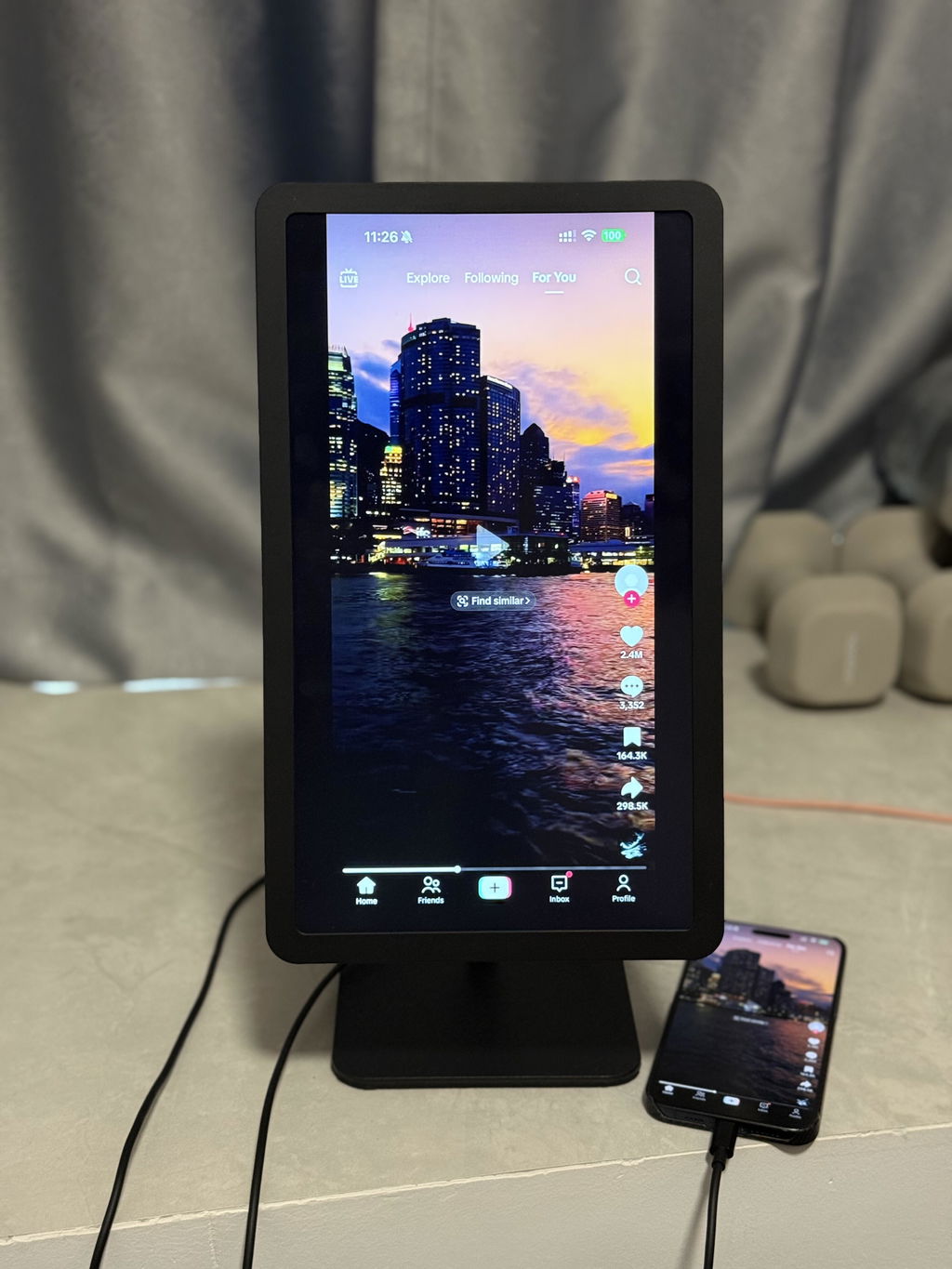
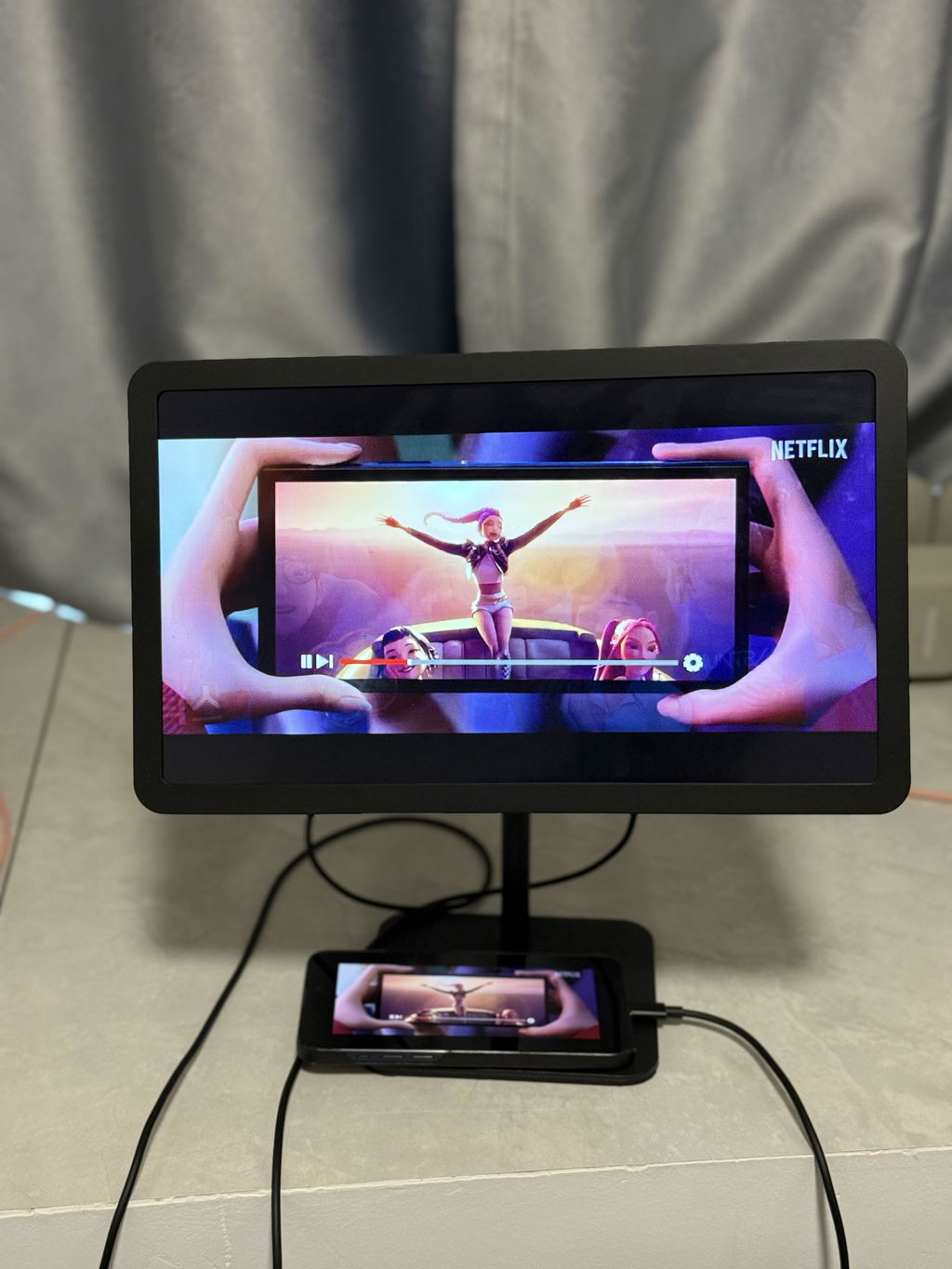
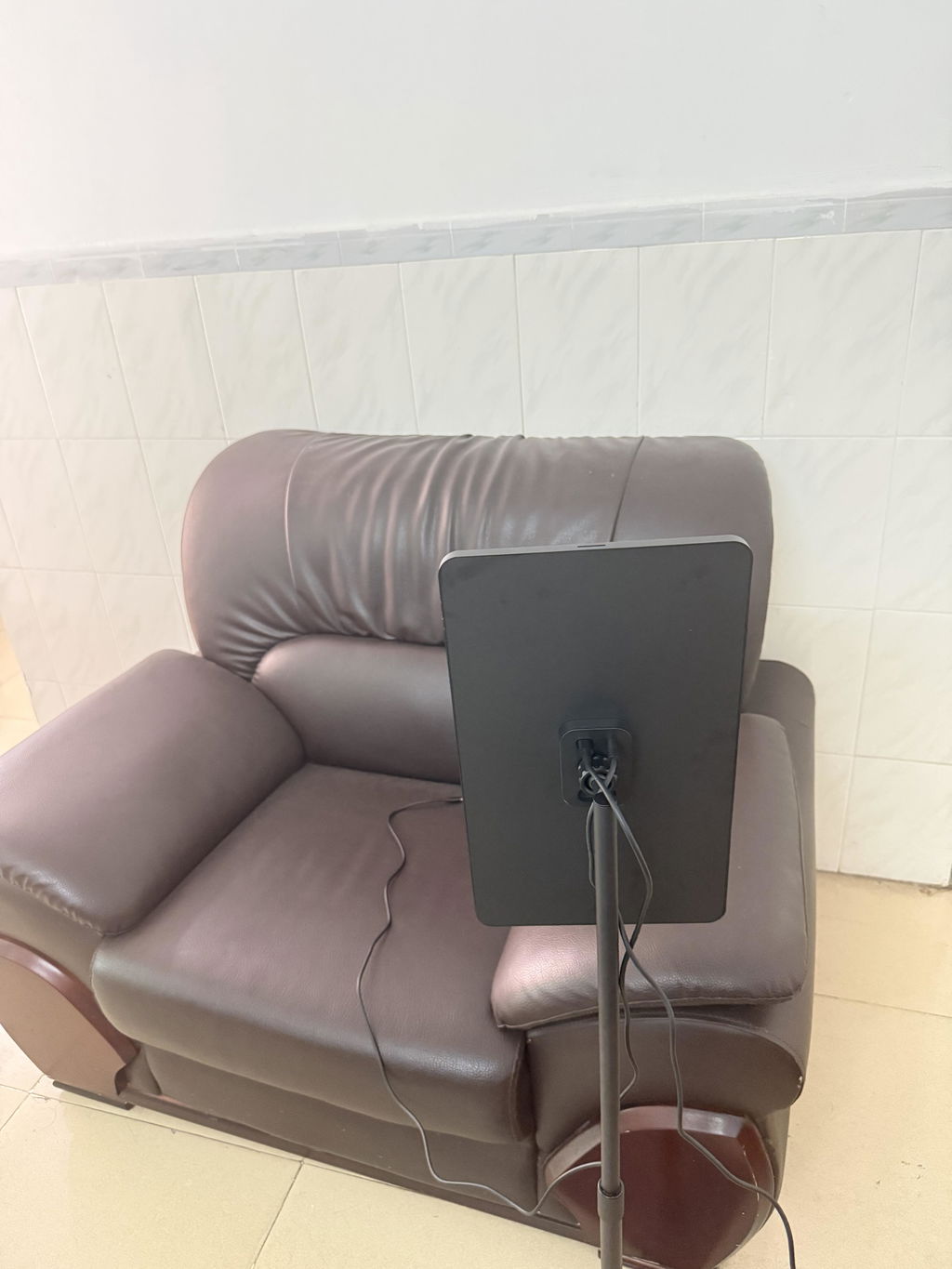
I set up my Lafos in the little lounge area where I usually sit with clients, have tea, and talk through ideas. It‘s been surprisingly useful. When I want to show them something on my phone, I can just bring it up instantly instead of handing my phone over or everyone crowding around a tiny screen.
And when I’m not working, I use it for chilling too —— scrolling TikTok, watching videos, whatever. No more holding my phone forever or getting that “tech neck” from looking down the whole time. Honestly, I‘m really enjoying it. Super convenient and just a nice little upgrade to the room.
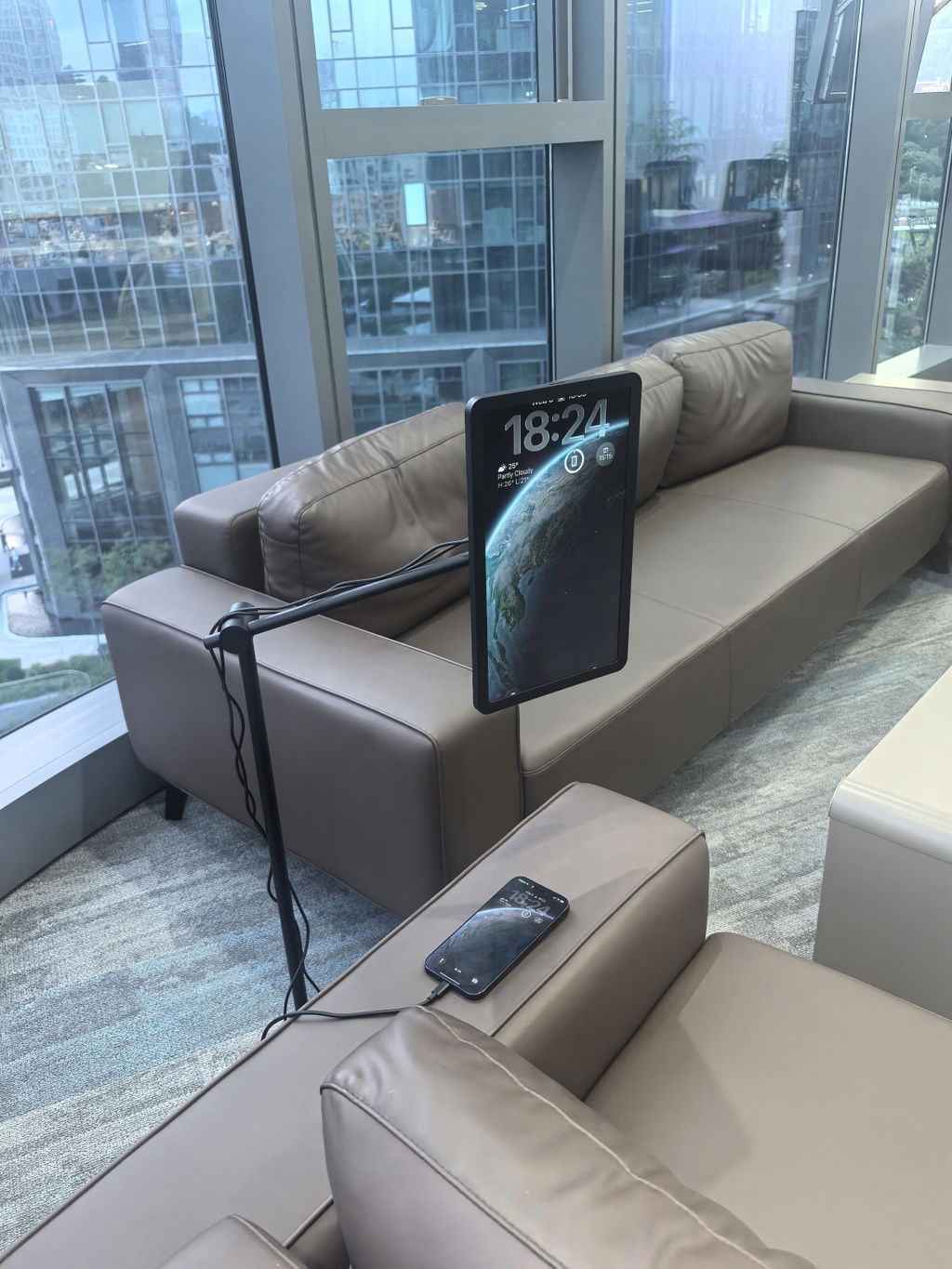
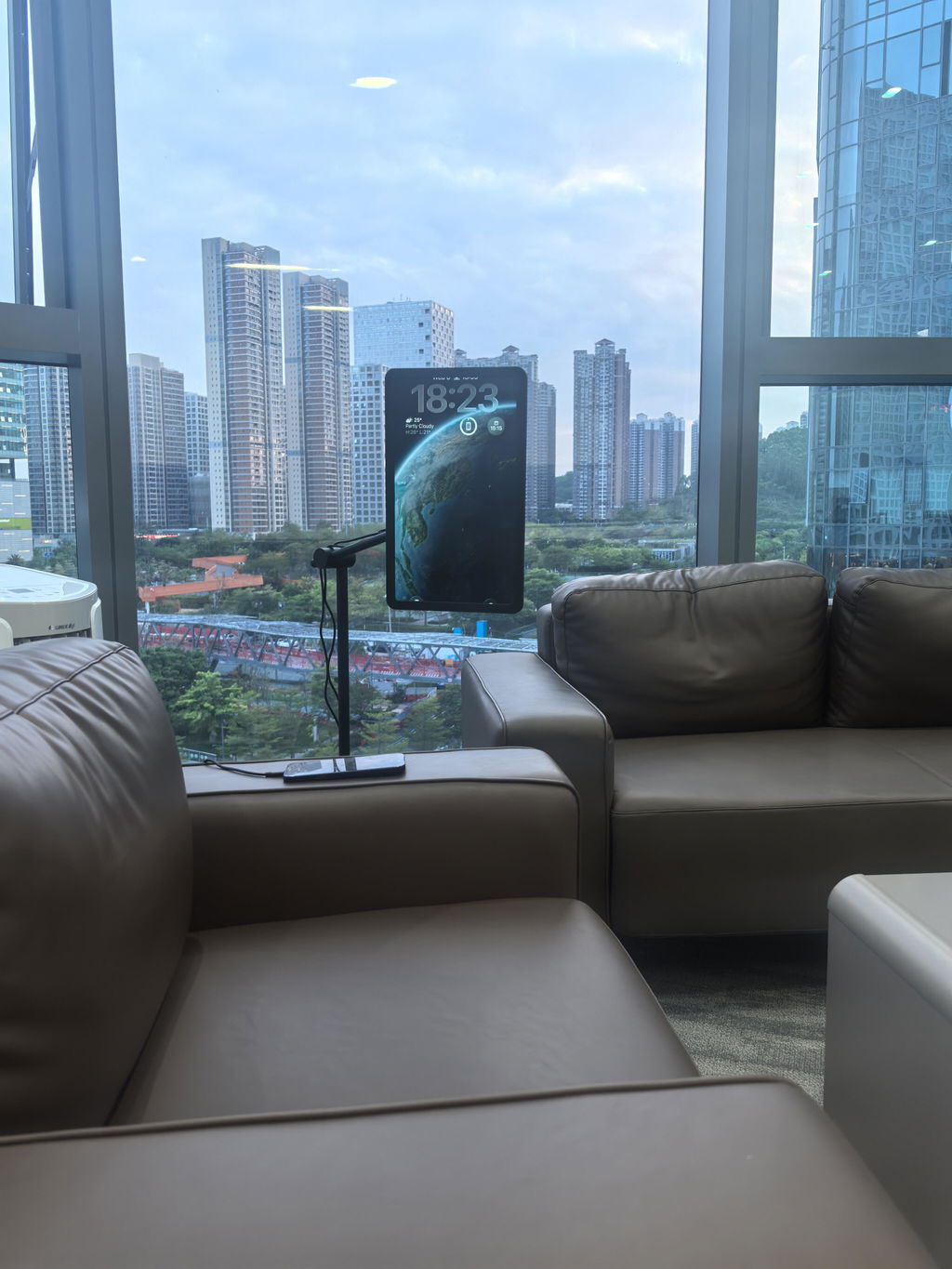
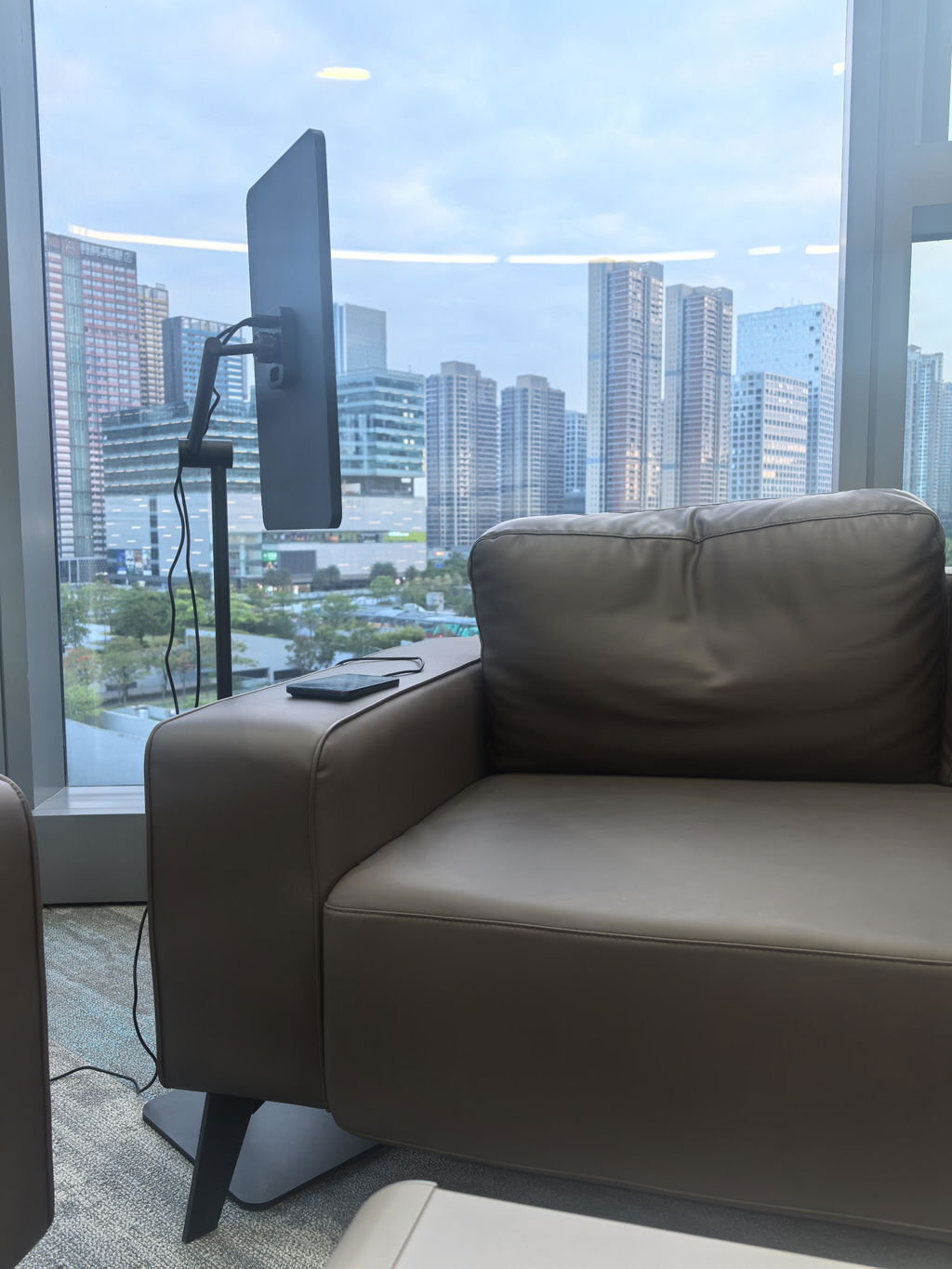
Fits nicely my kitchen table, exactly where i needed it.
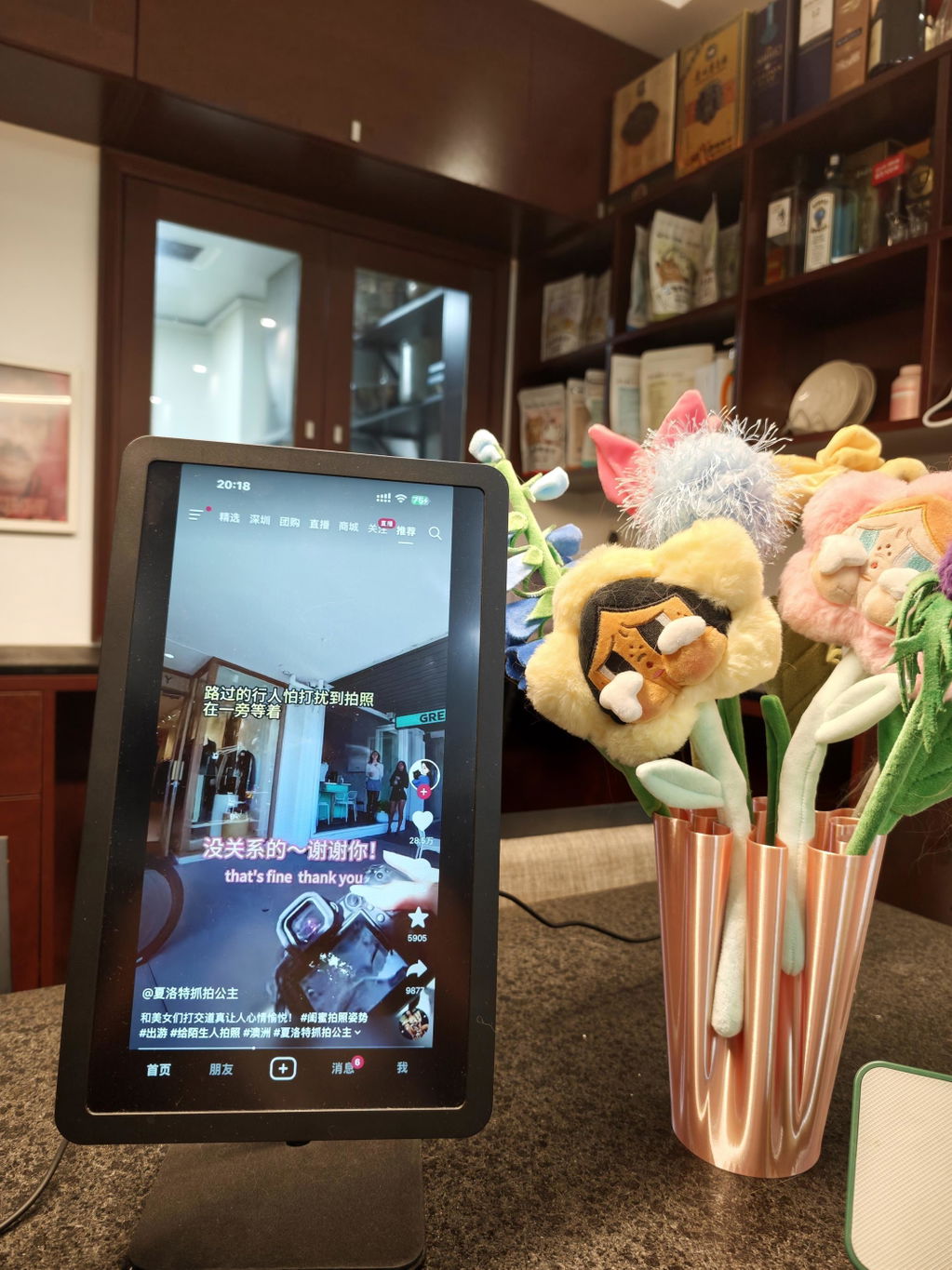
I use it to catch up on Instagram Reels at night. The fact that it hovers over the bed and tucks away so neatly is brilliant.
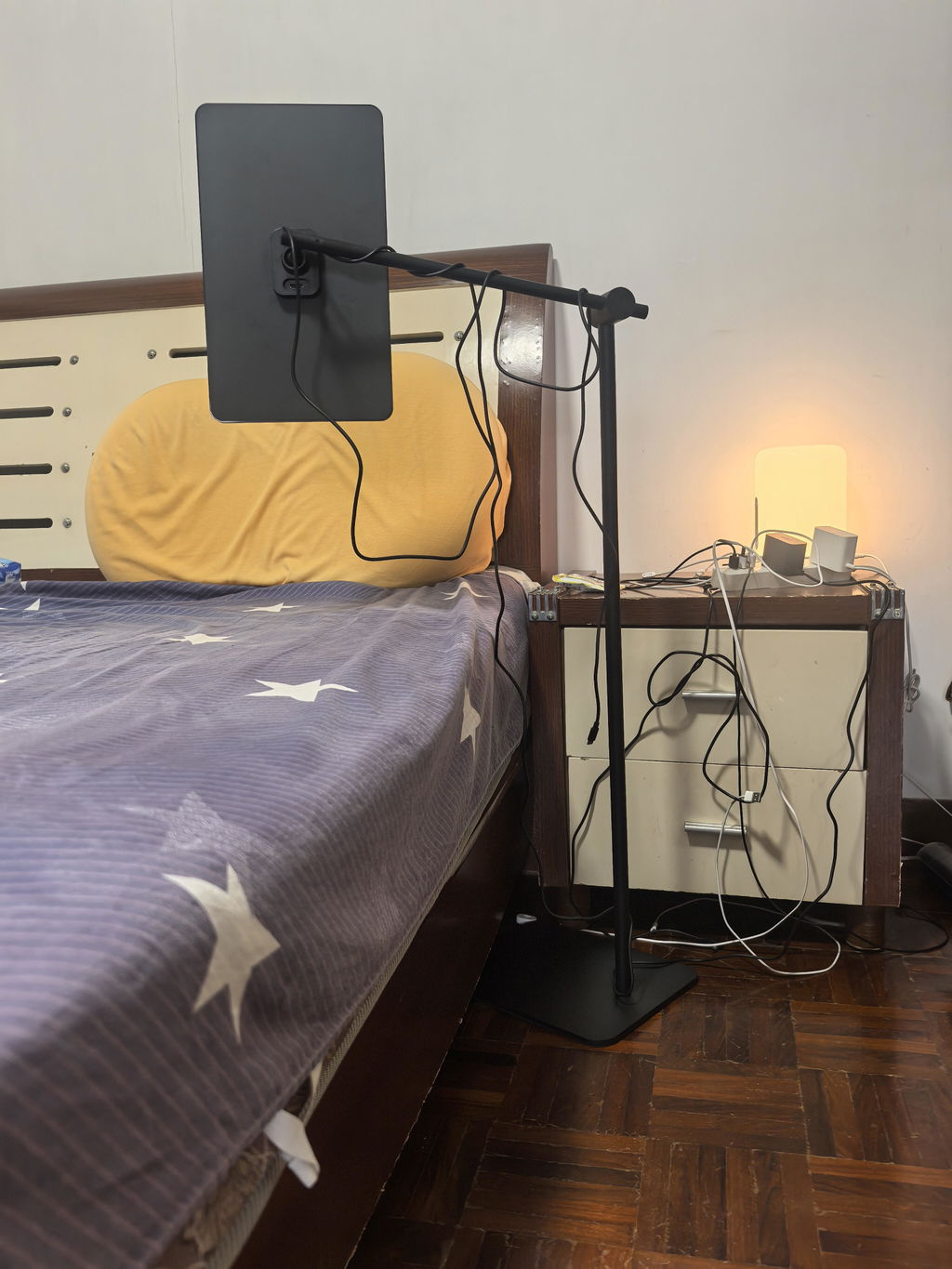
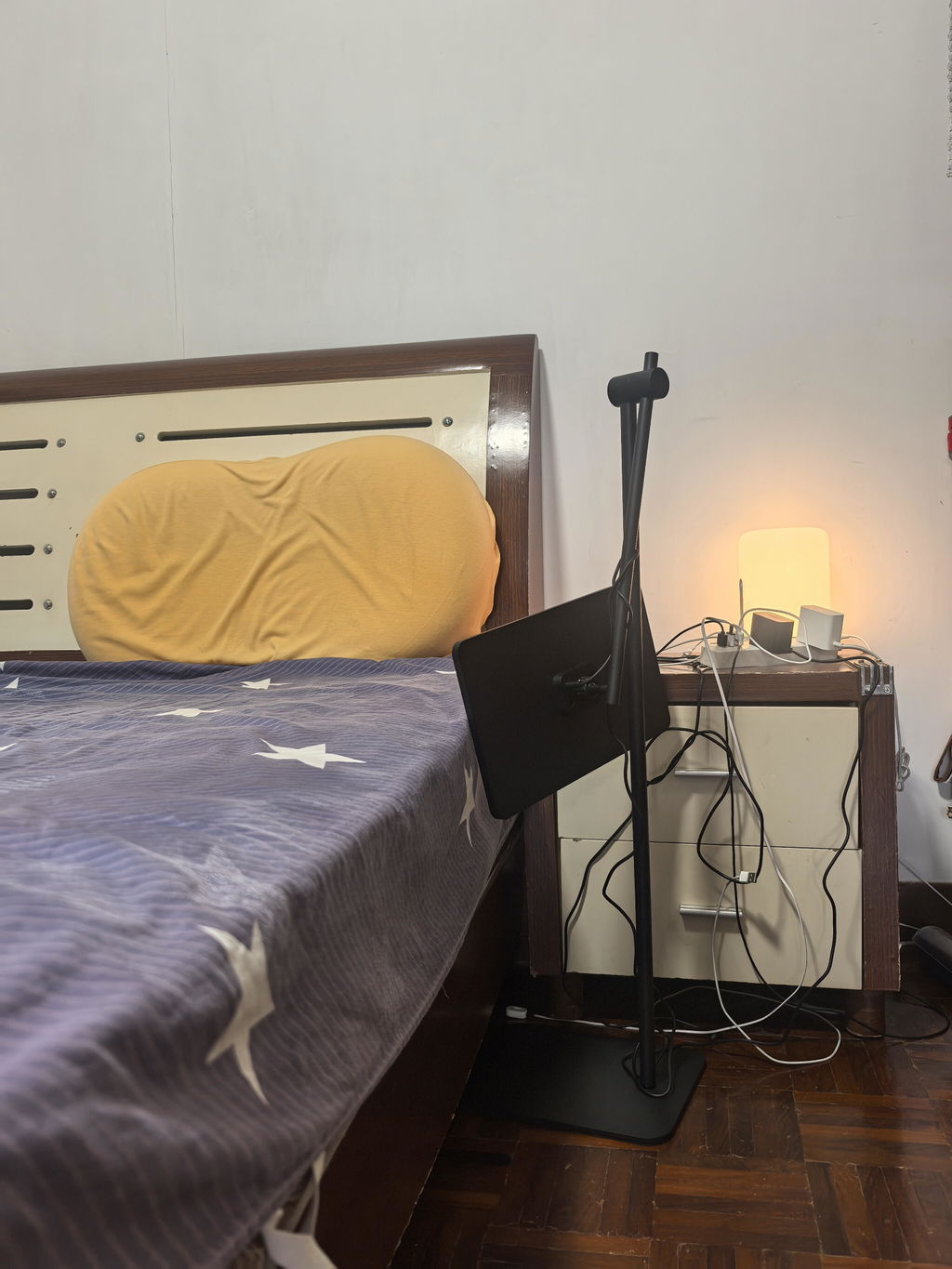
The stand is very rigid and sturdy, feels high-end. A lot better than the shaky plastic ones i used to own that I constantly worry about tipping over. Good job.
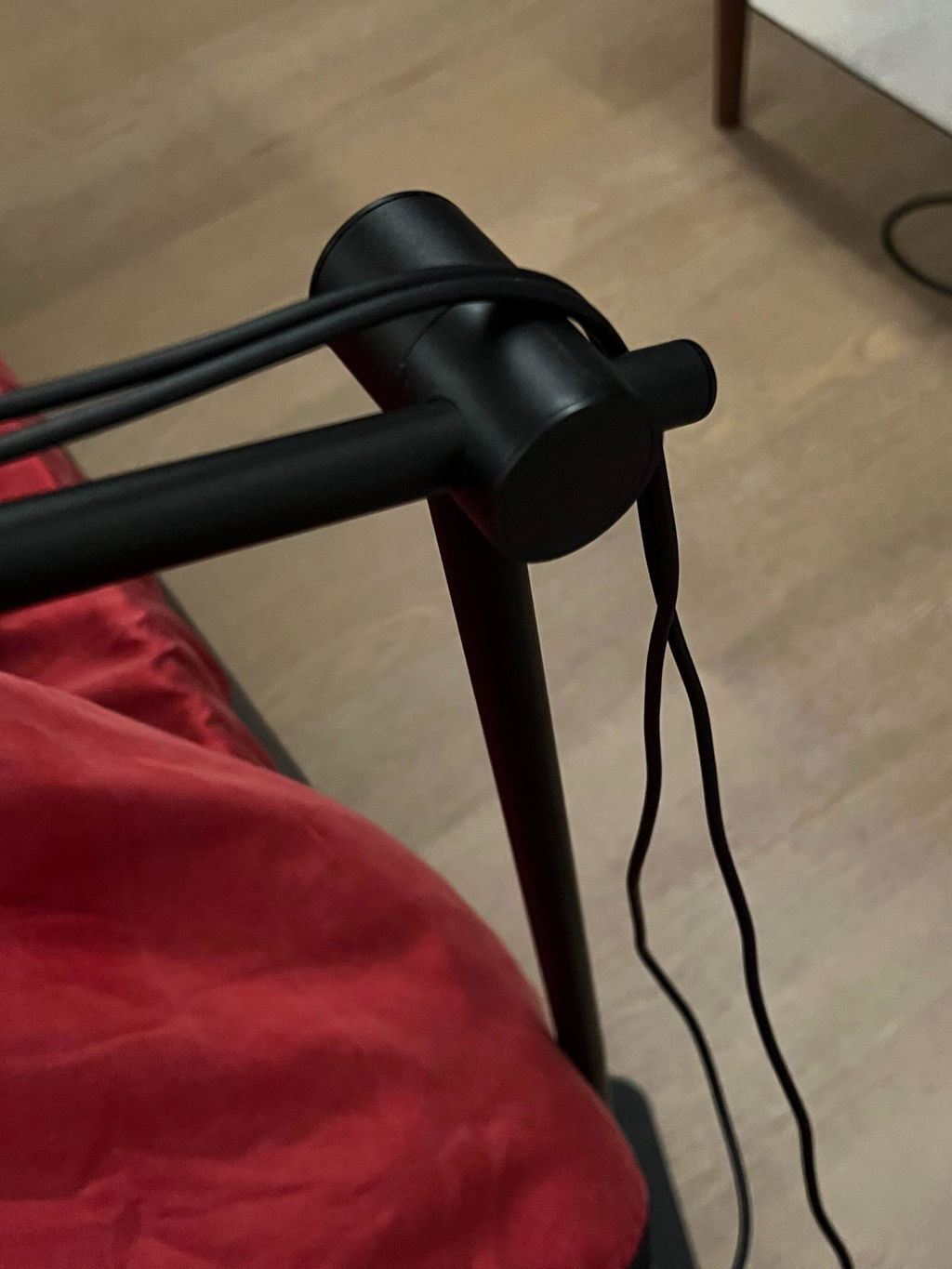
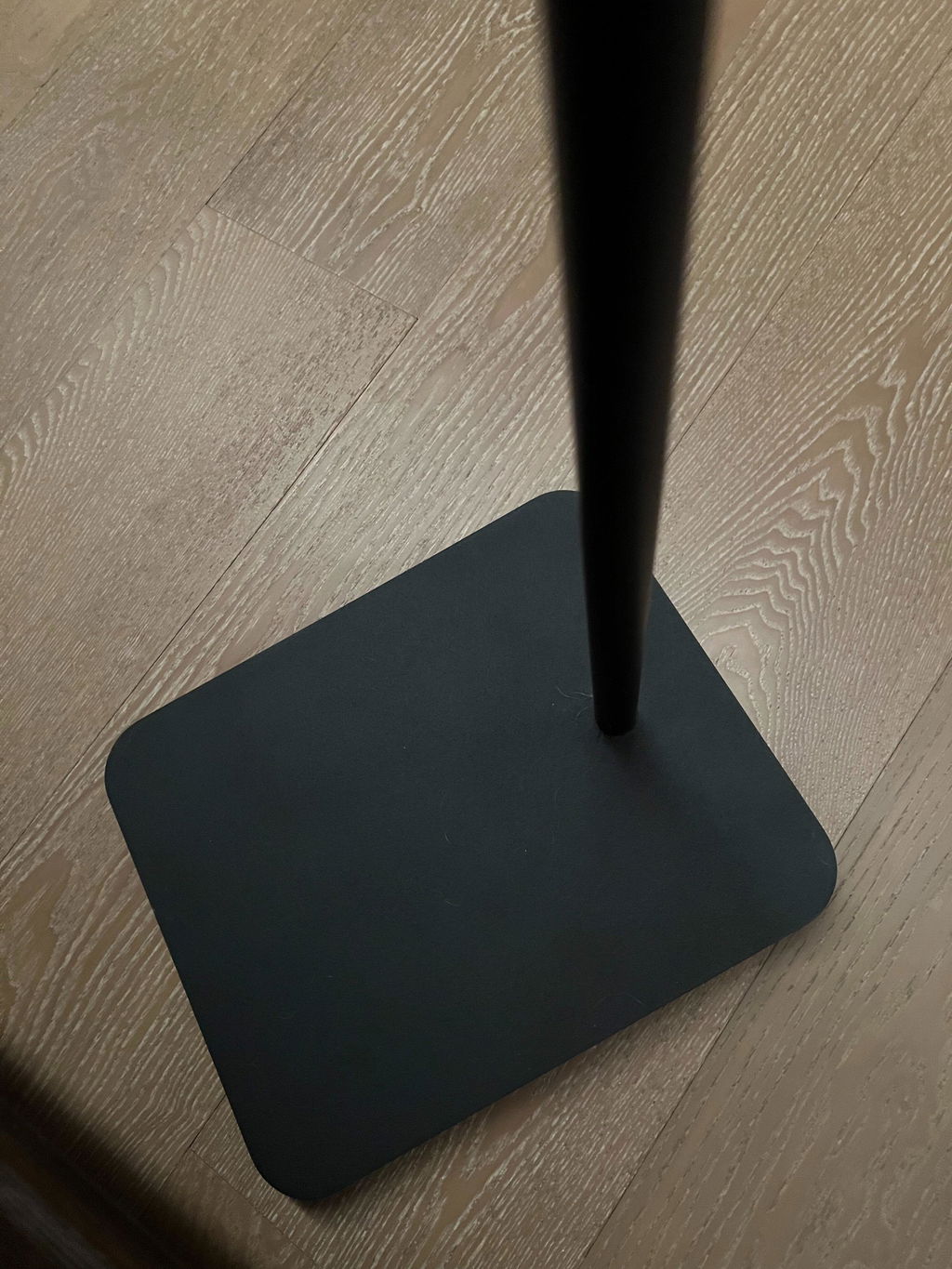
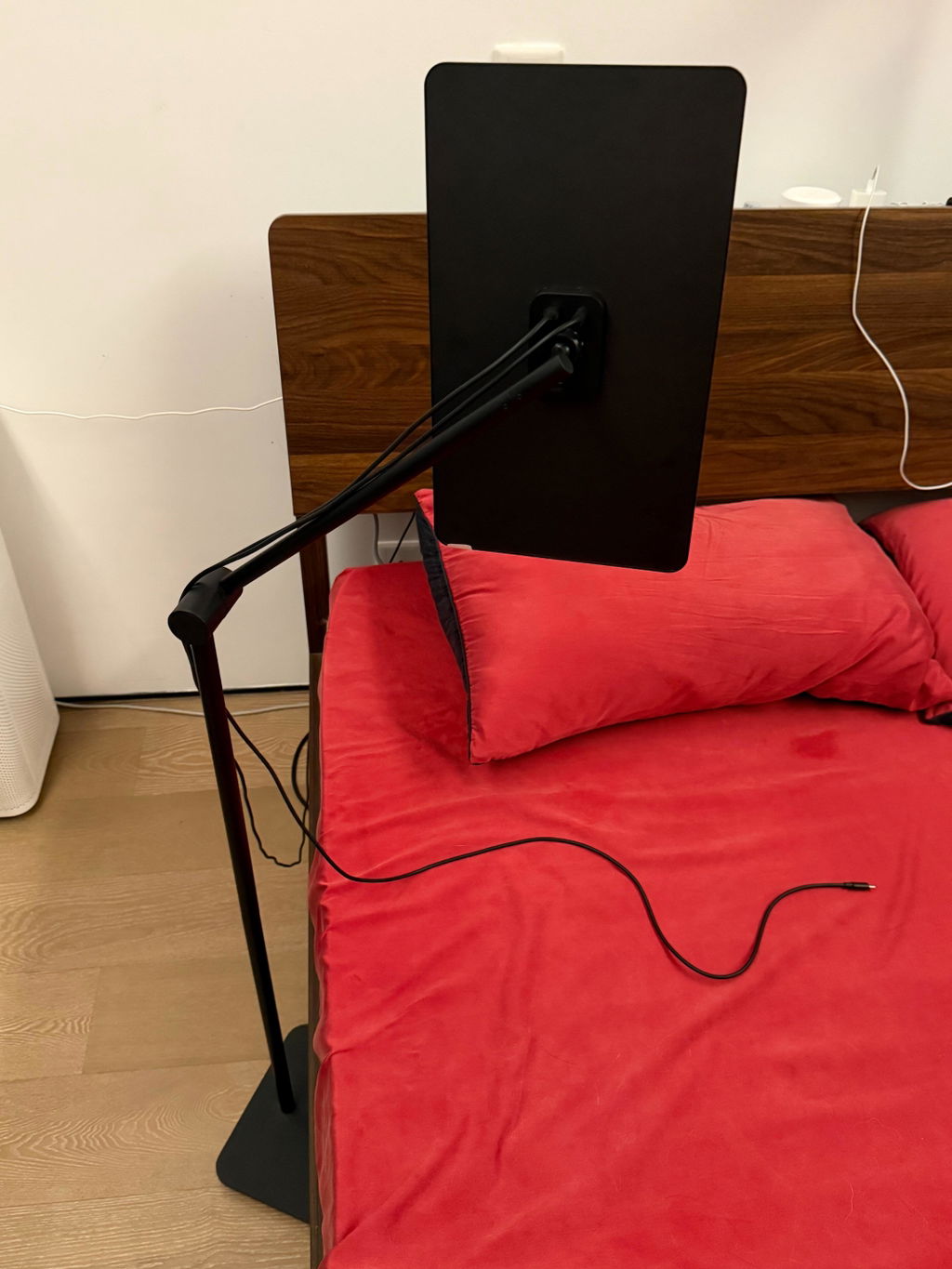
This little secondary screen is so convenient for using AI!
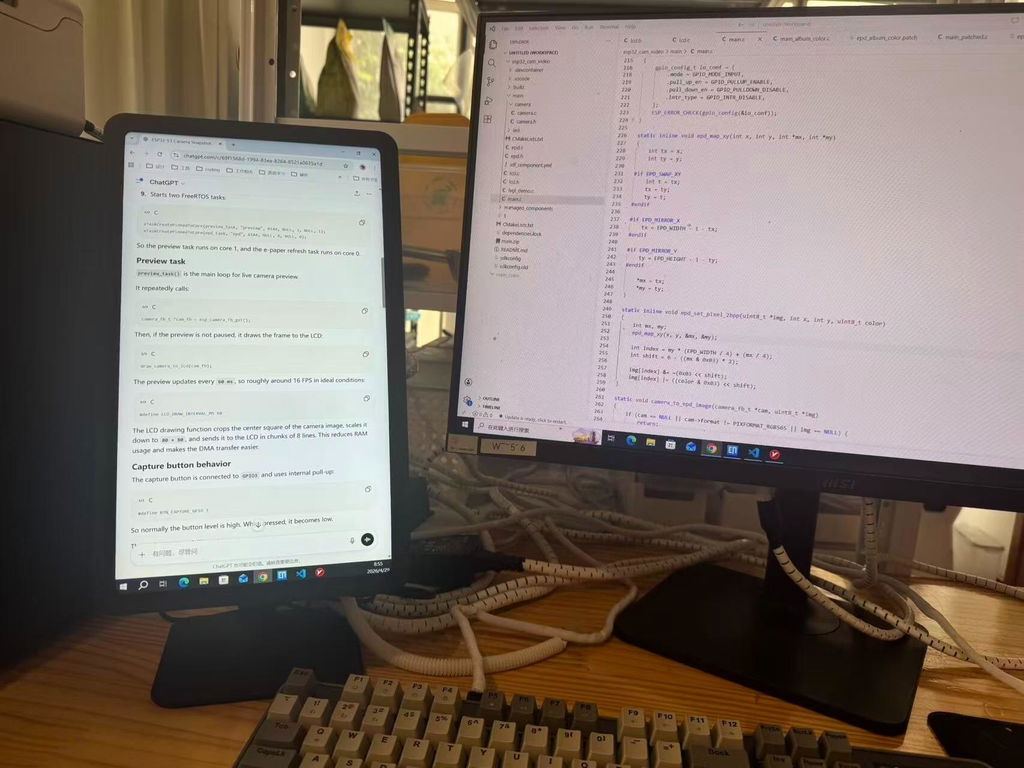
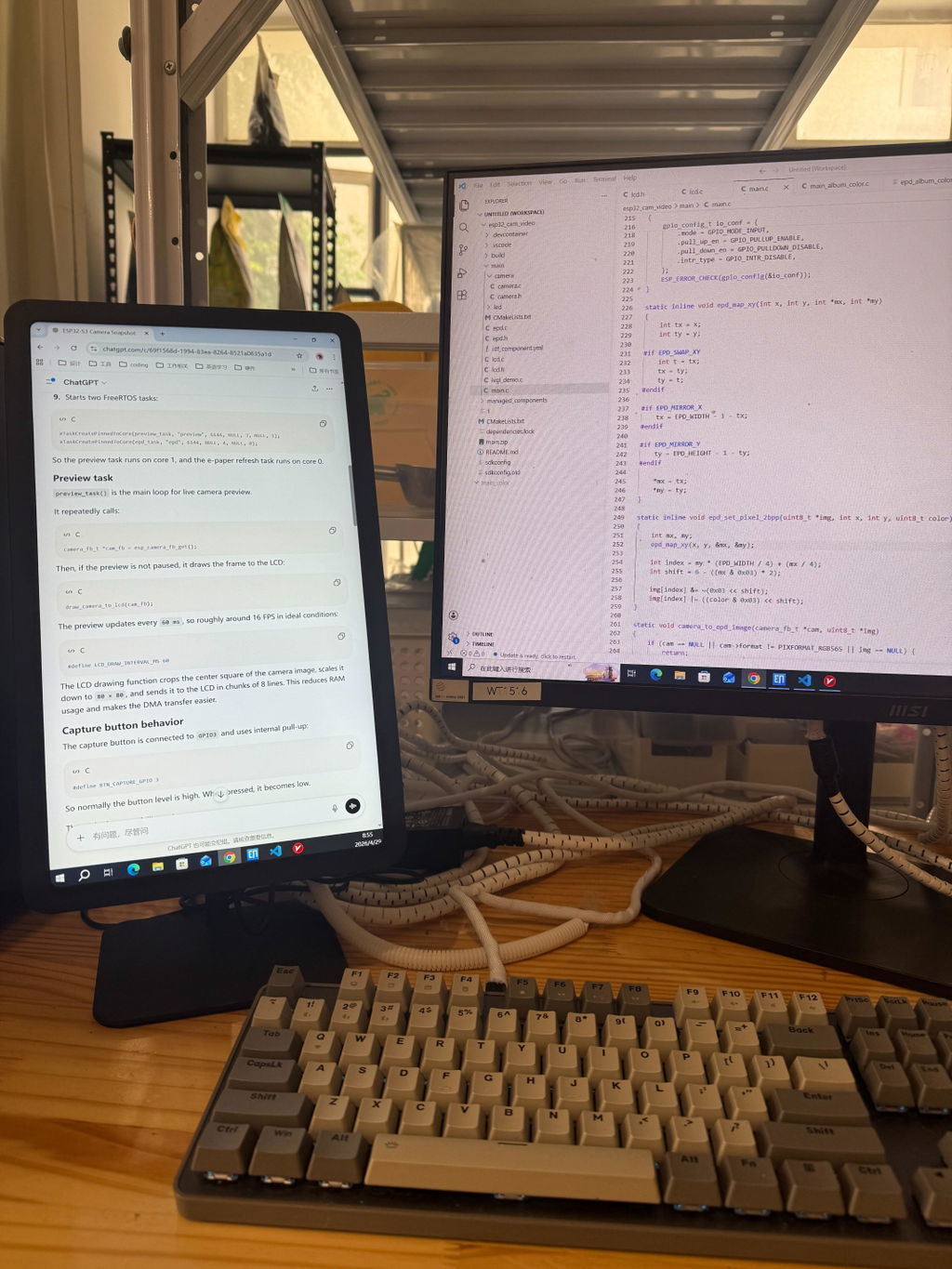
Bought this on a whim for my dorm room where I don't have space for a monitor on my desk. I can watch my shows from bed, and when I'm done, I just push it back. Perfect.
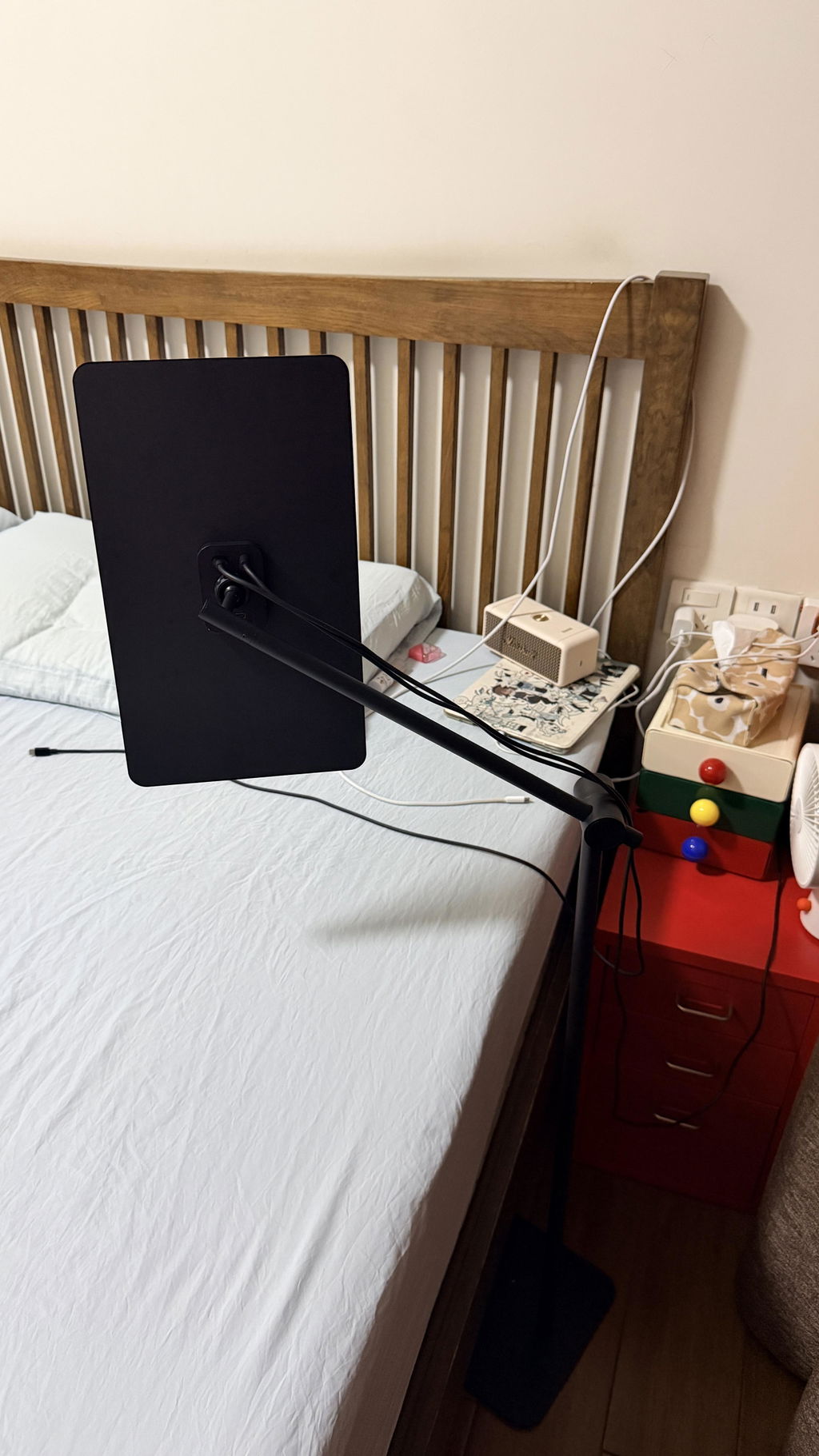
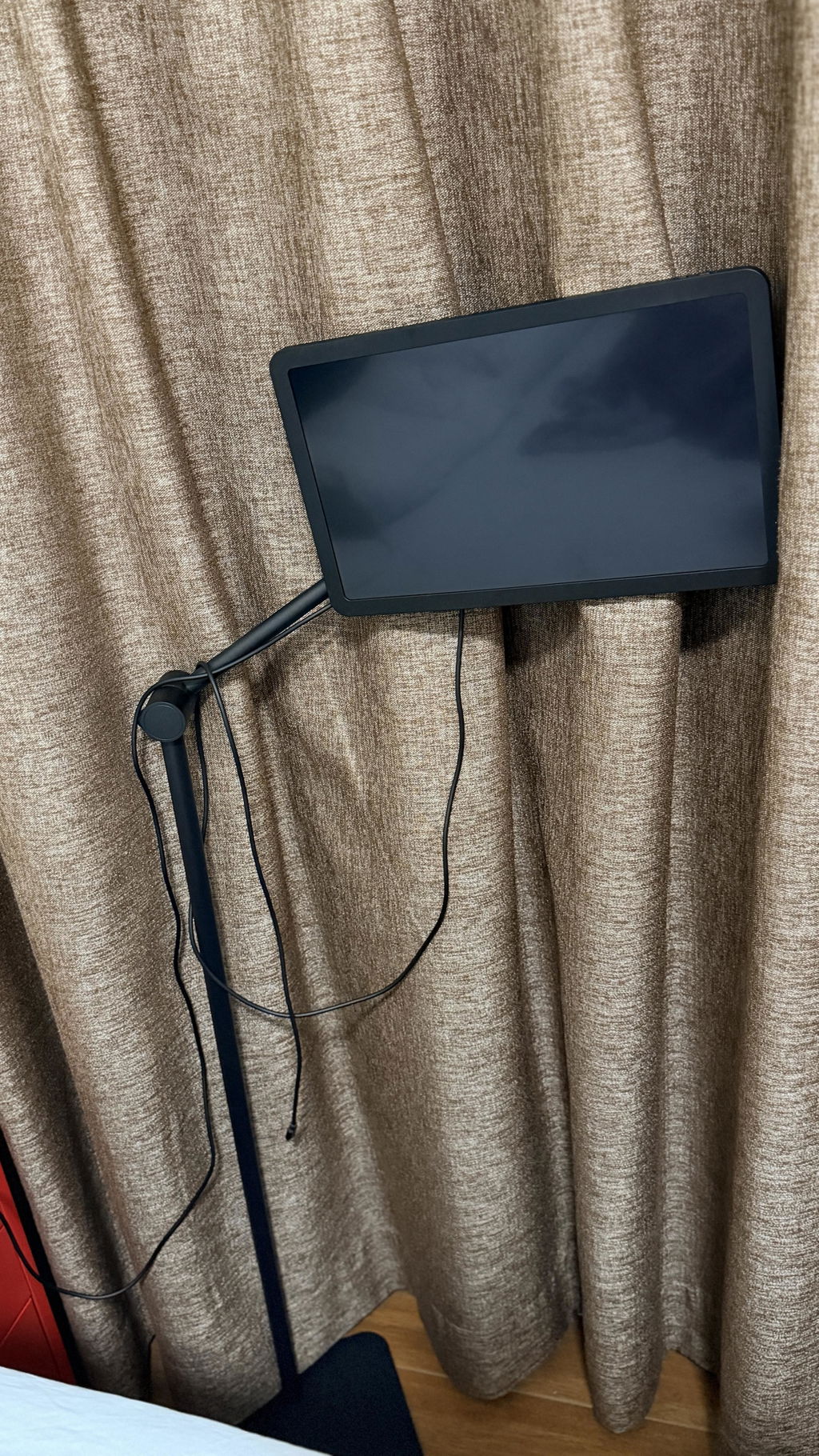
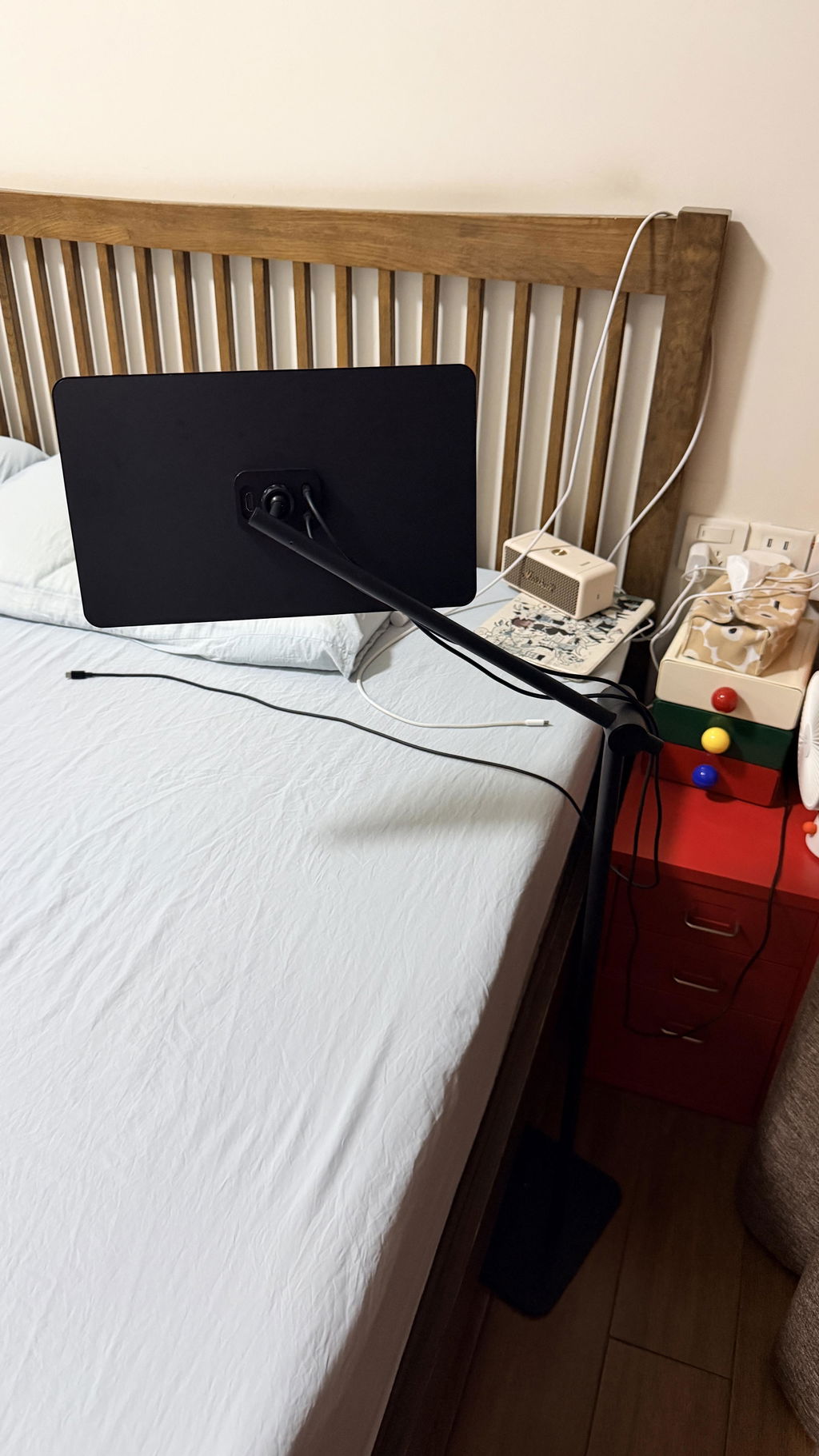
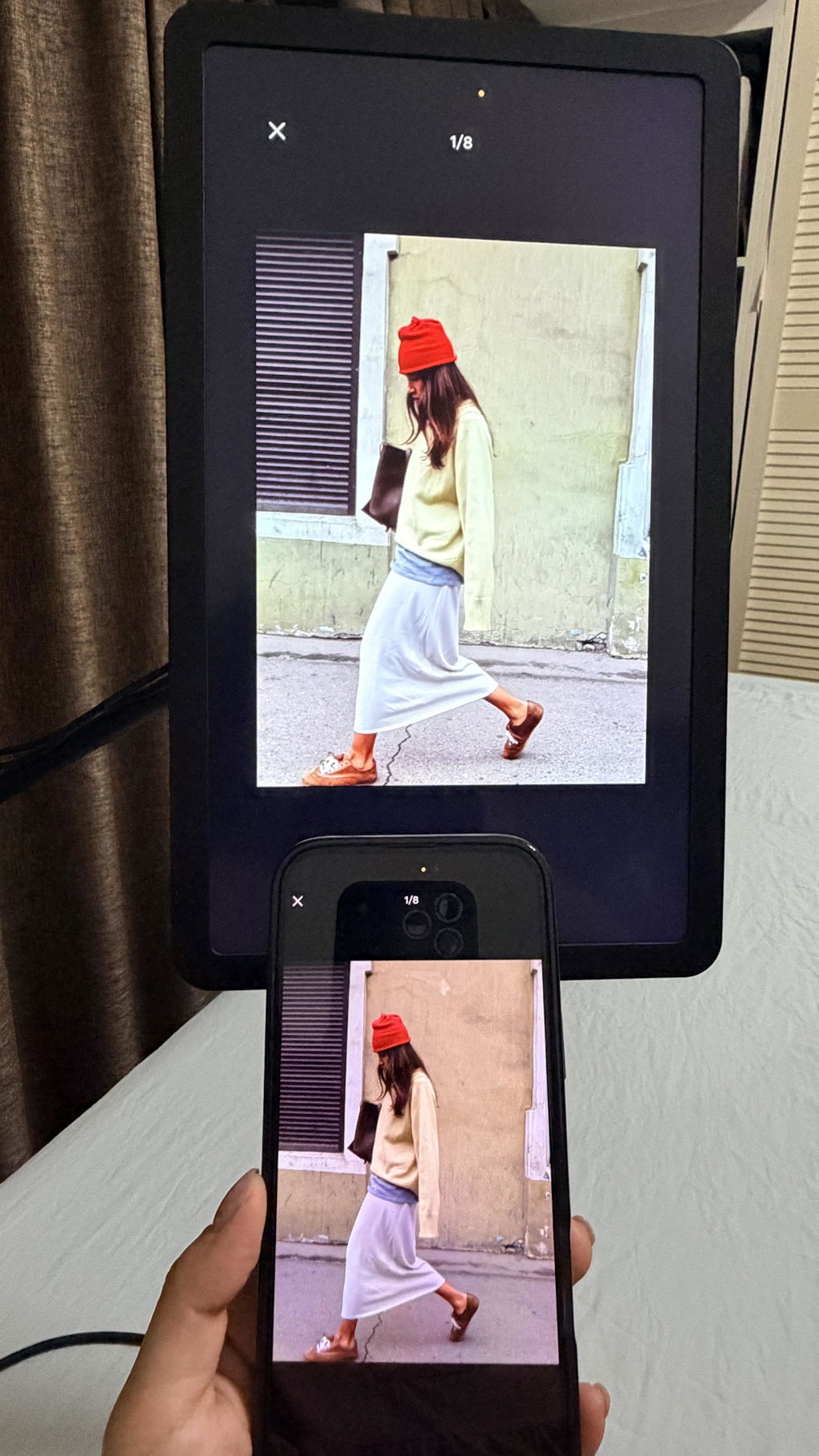
This feels great! When I play my smartphone before bed, I can now fully lie down and have the screen at where i want it to be. Sometimes I feel i need to spend less time on it??
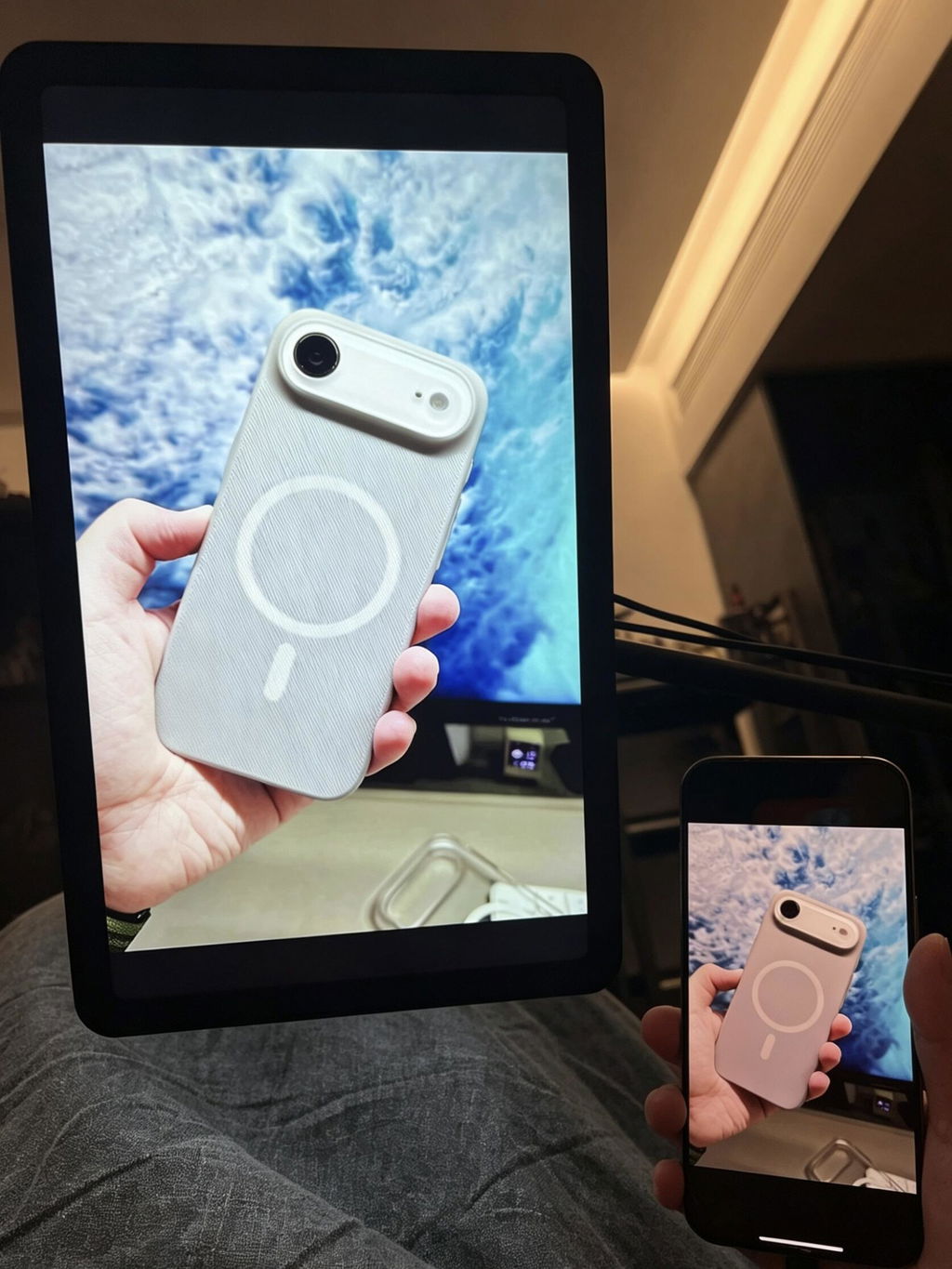
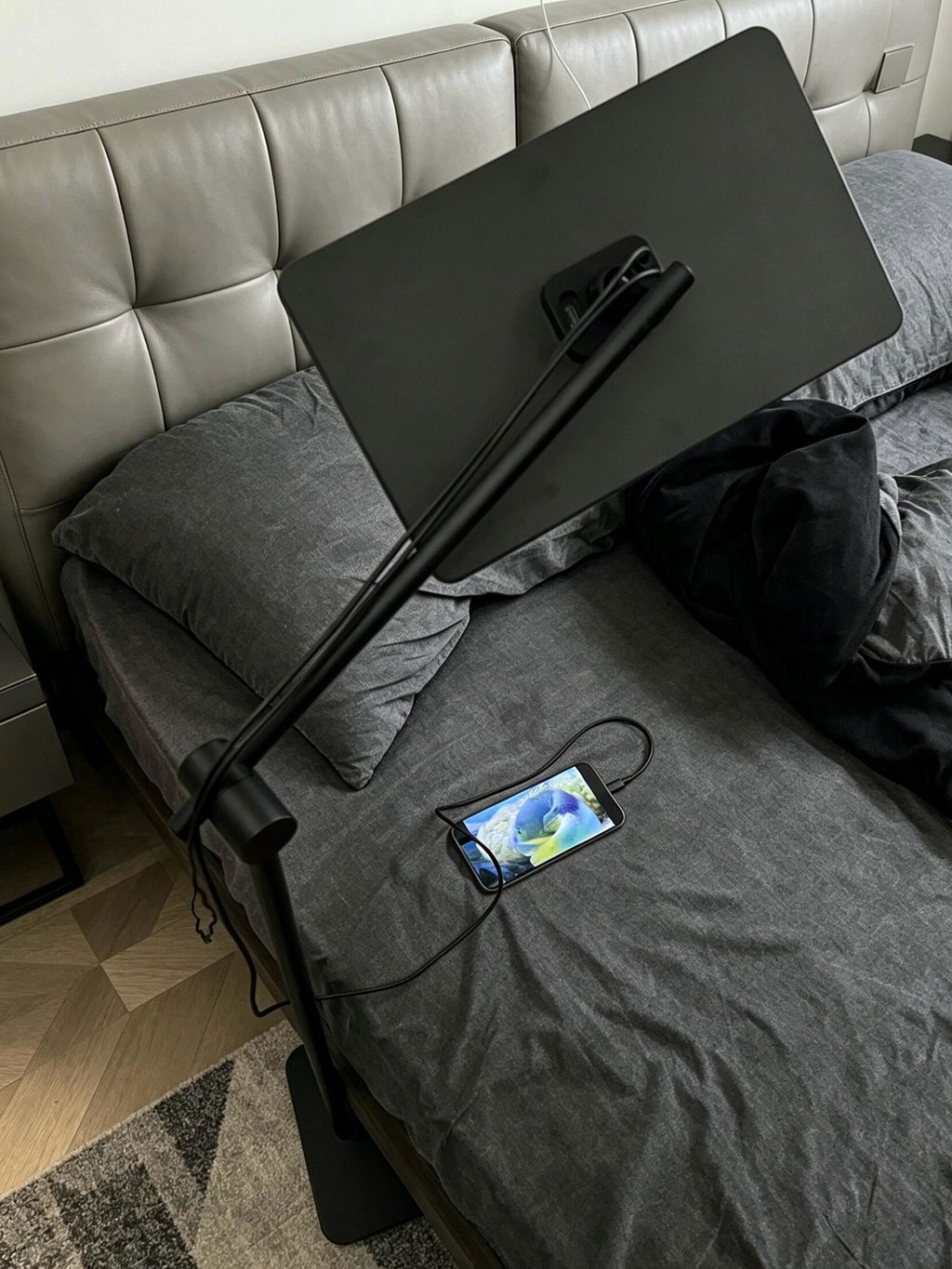
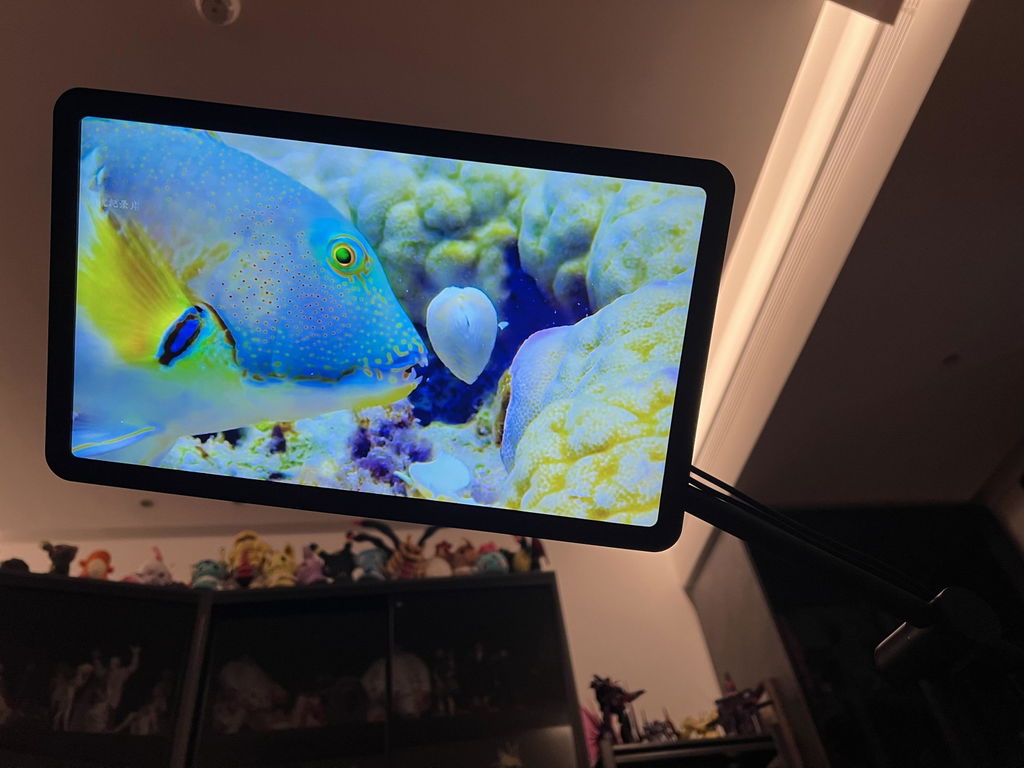
My meal buddy. The quick guide says it also supports laptop, gonna try it when i have the time.
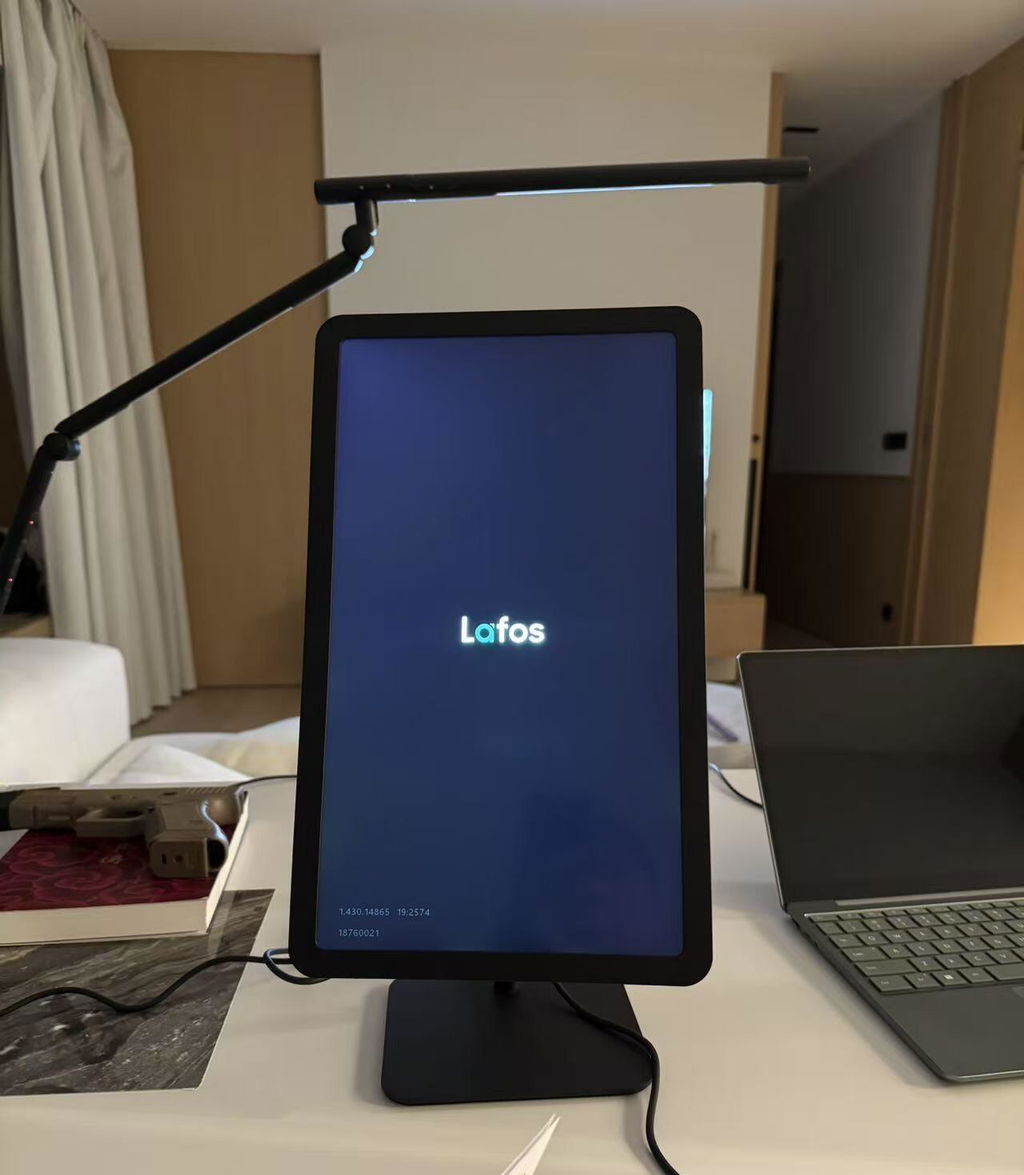
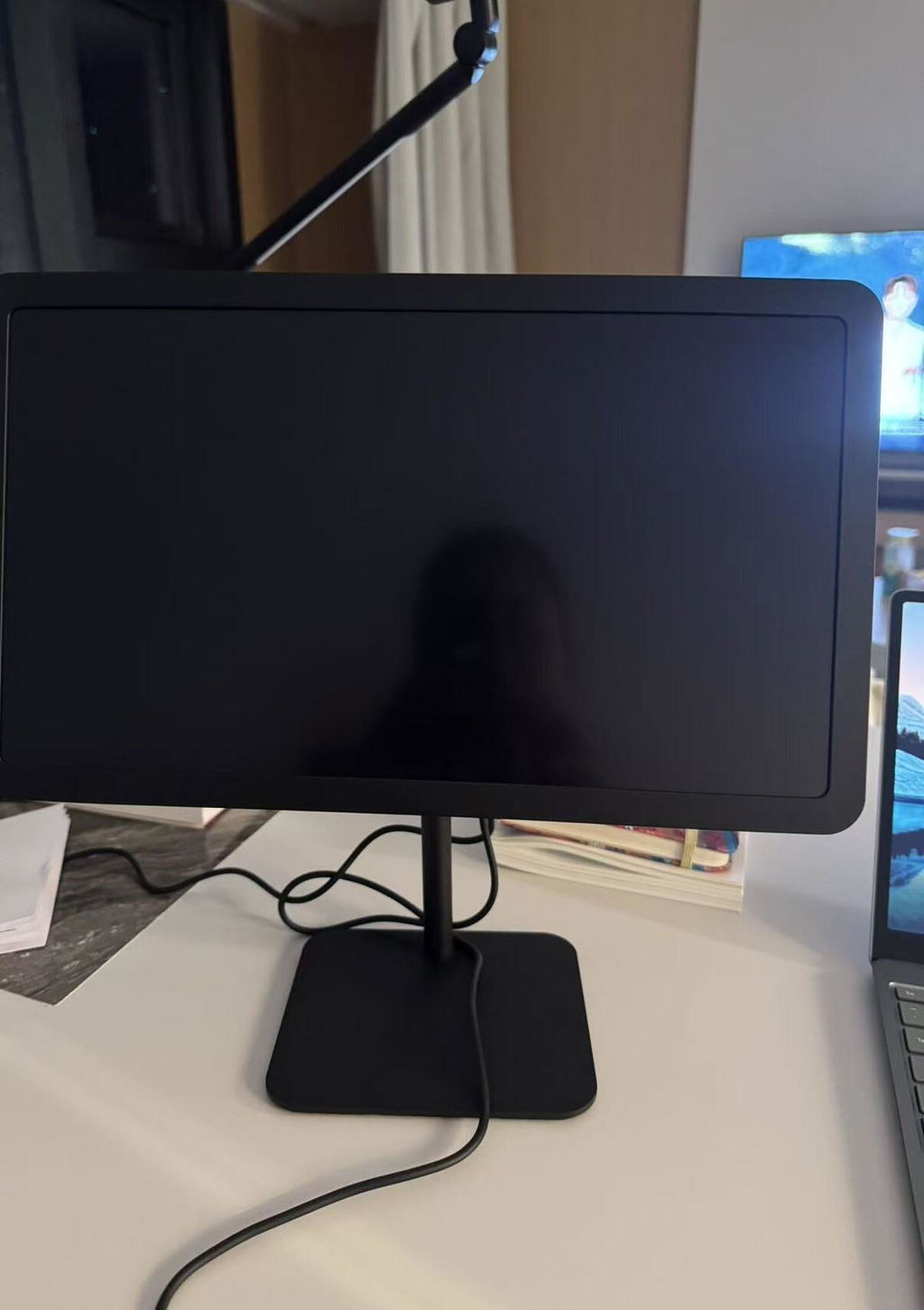
Very space-saving
Great company
Love it♥️!
I put it on my kitchen counter specifically to follow cooking tutorials and read ingredient lists. A wonderful addition to my culinary setup
Used as dedicated screen for my children's digital library and graphic novels. Good for ther eyes.
If you are looking for a money saver to substitute an iPad, this is the one to get.
Great
It is very useful for bed when I want to watch a few videos before going to sleep.
I spend a lot of on Excel. This is great for office work when my computer isn't nearby.
Overall a really good monitor for my iPhone.
Not gonna lie, I didn‘t expect to use my Lafos as much as I do, but it’s become part of my bedside setup. I use it all the time at night for scrolling TikTok, watching videos, or going through stuff on my phone. Once I adjust it, my phone sits right at eye level, which is so much better than holding it forever or constantly looking down.
The hands-free part is the real win for me. Sometimes I just want to lay back and chill, and this makes it super easy. My nightstand is a little chaotic with all the cords, but that‘s on me. The product itself has been really nice to use.
I clamp this to my microphone stand so I don't need to carry heavy binders of sheet music. The screen size is just right for reading chords from a distance.
Good. I like it.
I bought this for my grandfather and it is perfect for the elderly.
It's a great product. I like everything especially the touch screen.
ok
The ease of use is what gets me. You literally just connect the cable and your phone screen is there.
The Latest Lafos L Series has just started shipping in early 2026. As we continue to gather feedback from users, more reviews will be added for everyone's reference.
11 Reasons to Buy Lafos
2.6s Rapid Wake-up
Plug and play. It’s really just that simple.
2.6s Rapid Wake-up
Plug and play. It’s really just that simple.
Ultra-responsive Touchscreen
Accurate touchscreen support that lets your every touch feel instant and natural.
Ultra-responsive Touchscreen
Accurate touchscreen support that lets your every touch feel instant and natural.
-

4.98X Lager Screen Area
The bigger the better.
-

Portrait & Landscape
Enhance viewing experiences for both short and long form videos.
-

Safely Charges Your Phone
So your battery level won’t drop. No more power anxiety.
-

Built-in Dual Loud Speakers
Custom-built for Lafos. 30% louder than standard portable monitors.


Flip to Fullscreen
Make full use of every last inch of the screen. Works for both Portrait & Landscape.
Flip to Fullscreen
Make full use of every last inch of the screen. Works for both Portrait & Landscape.
-

Brightness / Volume Touch Control
Say goodbye to the confusing menus of the old-school monitors.
-

Full-size HDMI Port
for best compatibility. Cause who likes adapters?


-

Have Your Smartphone Work Alongside Your PC
Lafos will smoothly auto-switch channel when plug-in or disconnection is detected.

Enjoy Your Favourite Game in Comfort
All-in-one solution that has zero annoying side cables.
Enjoy Your Favourite Game in Comfort
All-in-one solution that has zero annoying side cables.
-

Enhance Your Entertainment Experience Anywhere
Lafos L1 spawns a free-to-move display in your house for your pleasure.
-

Play with Any Device You Like
For both work & entertainment.


Please read carefully through the FAQ section to set proper expectations for the product's offering.
Compare Lafos L1 Series
-

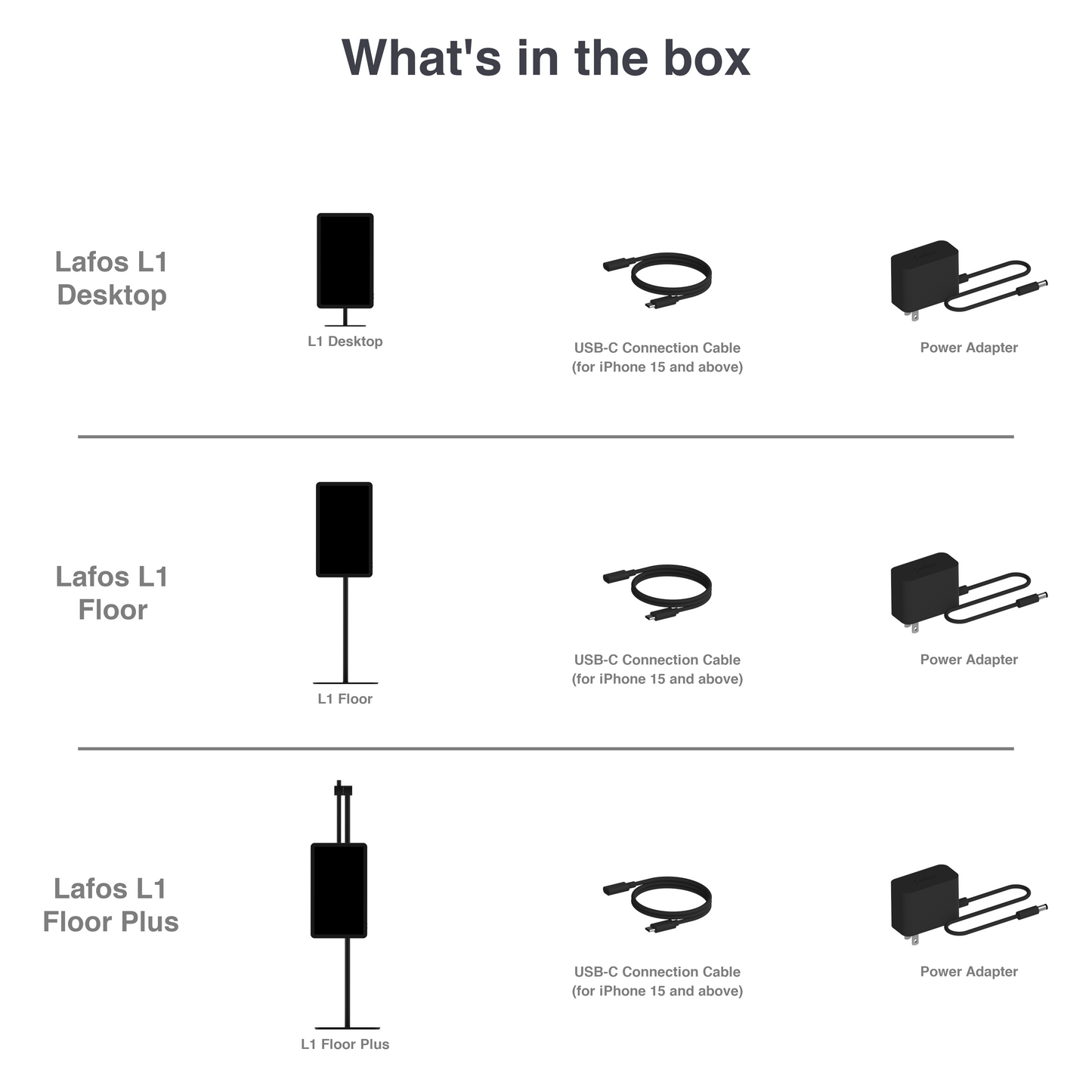
- All panel units of L1 Desktop, Floor and Floor Plus are identical. The primary differences are the stand structures and cable lengths.
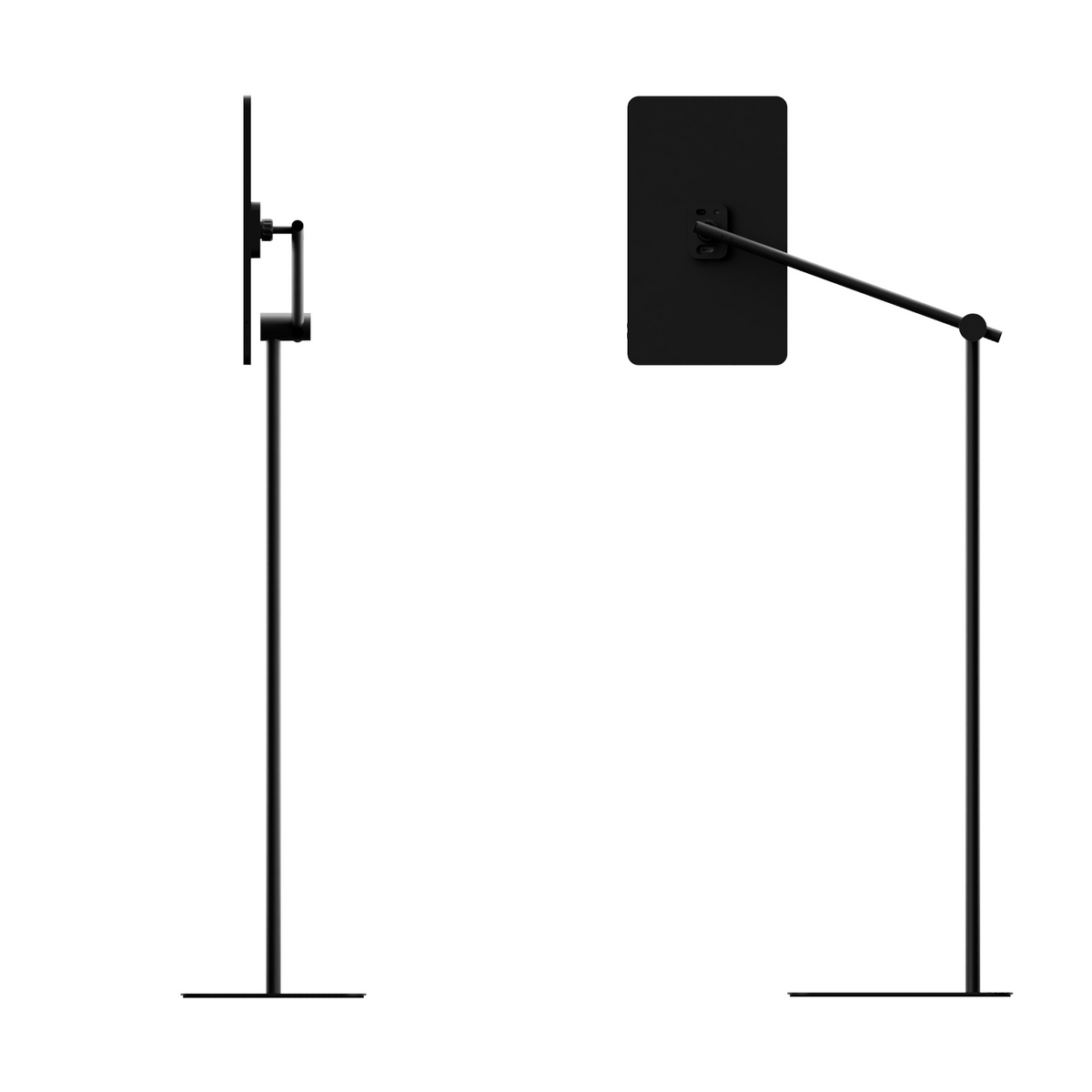
- Desktop has a ball joint at the back and supports 3-axis adjustment.
- Floor offers a 72-106 cm height adjustment feature on top of Desktop’s offering.
- Floor Plus offers 3 additional rotational joints compare to the Desktop, giving the users a total of 6 axes for adjustment.

Lafos L1 vs. Lafos Pro

Ranges of Motions
-

Ball joints on all members of the Lafos L1 series.
-

Adjustable Pole on Lafos L1 Floor.
-

Three additional joints on Lafos L1 Floor Plus.


Tech Specs
-

14-inch LCD Display
Resolution: 1920 by 1080 pixels
Aspect ratio: 16:9
Refresh Rates: Up to 60Hz

Dimensions
-

L1 Desktop
Portrait Mode:
H397mm x W199mm x L125mmLandscape Mode:
H329mm x W334mm x L125mm -

L1 Floor
Portrait Mode:
W230mm x L200mmLandscape Mode:
W334mm x L200mmHeight:
H705mm (Min)
H1159mm (Max) -

L1 Floor Plus
Folded:
H866mm x W280mm x L230mmUnfolded:
H1144mm x W453mm x L230mm


Tech Specs

14-inch LCD Display
Resolution: 1920 by 1080 pixels
Aspect ratio: 16:9
Refresh Rates: Up to 60Hz

Dimensions - Desktop
Portrait Mode:
H397mm x W199mm x L125mm
Landscape Mode:
H329mm x W334mm x L125mm

Dimensions - Floor
Portrait Mode:
W230mm x L200mm
Landscape Mode:
W334mm x L200mm
Height:
H1159mm (Max)
H705mm (Min)

Dimensions - Floor Plus
Folded:
H866mm x W280mm x L230mm
Unfolded:
H1144mm x W453mm x L230mm
Frequently Asked Questions
Product
1. I‘m not sure which one best fits my needs. Which one would you recommend if I only want to buy one?
All three options are optimised for specific locations in your home.
If you spend most of your time at a desk, the L1 Desktop is perfect for that situation. It is compact, space-saving, and fits nicely on a table. If desired, the L1 Desktop can also be placed on a side table to serve a similar function to the standard L1 Floor.
The L1 Floor is the best fit if you enjoy using your phone while relaxing on your sofa, as its adjustable pole allows you to position the screen at exactly the height you need.
If you mostly use your phone in bed, or if you want more advanced adjustment options, the L1 Floor Plus offers the best experience. It allows you to easily adjust the screen to the most comfortable viewing position, both in terms of placement and orientation.
If you are still unsure about the differences between the product options, we recommend starting with the classic L1 Desktop. It is the most economical option, yet it suits a wide range of applications.
2. Can I buy one panel and all three stands separately?
Not currently. At the moment all units are sold in sets. You may choose the one that best fit your need. If we start offering individual units in the future, we will update our shop options.
Compatibility
1. Does Lafos support both iPhone and Android phone?
No. The current models of Lafos L Series only support iPhone 5-17 Series.
2. Is Lafos compatible with my iPhone model?
Lafos L Series is compatible with the following iPhone models:
iPhone Air
iPhone 17 Pro
iPhone 17 Pro Max
iPhone 17
iPhone 17e
iPhone 16 Pro
iPhone 16 Pro Max
iPhone 16
iPhone 16 Plus
iPhone 16e
iPhone 15 Pro
iPhone 15 Pro Max
iPhone 15
iPhone 15 Plus
For iPhone 5-14 Series, you can purchase an extra customized Lightning connection cable separately.
iPhone 14 Pro
iPhone 14 Pro Max
iPhone 14
iPhone 14 Plus
iPhone 13 Pro
iPhone 13 Pro Max
iPhone 13 mini
iPhone 13
iPhone SE (3rd generation)
iPhone 12 Pro
iPhone 12 Pro Max
iPhone 12 mini
iPhone 12
iPhone 11 Pro
iPhone 11 Pro Max
iPhone 11
iPhone SE (2nd generation)
iPhone XS
iPhone XS Max
iPhone XR
iPhone X
iPhone 8
iPhone 8 Plus
iPhone 7
iPhone 7 Plus
iPhone 6s
iPhone 6s Plus
iPhone 6
iPhone 6 Plus
iPhone SE (1st generation)
iPhone 5s
iPhone 5c
iPhone 5
3. Is Lafos compatible with my iPad?
Yes. Lafos is compatible with all iPad models.
4. Can I use a cable adapter with Lafos, such as a Lightning-to-USB-C or USB-C-to-Lightning adapter?
No. Please use only the customized cable for Lafos. Lafos is deigned to work only with its customized cable, as the cable’s end connector has a special design specifically for Lafos. Cable adapters are not compatible and may cause the device to malfunction.
5. Does my standard iPhone/USB-C cable work with Lafos?
No. Lafos only work with its own customized cable. Lafos's cable has sets of unique chips built into the tip to ensure video, audio and control signals can stream simultaneously, whereas a standard iPhone/USB-C cable cannot do so. We made one end of the connector different on purpose so our users won't mistakenly use the wrong cable and have to question if the device malfunctioned. If you need additional Lafos cables you could purchase them separately from our shop.
6. Does Lafos support my TWS headphones, Bluetooth speakers or Bluetooth keyboards & mice?
Yes. You may use Lafos while connecting your personal Bluetooth devices to the phone. If the Bluetooth headphones or speakers are connected but no sound is played, please manually switch to the Bluetooth device for playback on your phone. For Bluetooth keyboards & mice, if it works with your phone, it will work with Lafos connected.
7. Does Lafos support my laptop or computer?
Yes. The current models of Lafos L Series can work as an HDMI monitor via a HDMI cable for devices such as a PC, Mac, PlayStation, XBOX, Nintendo Switch, etc.
Please note: Lafos's USB-C connection port is for smartphone only. Do not use the USB-C connection cable for the HDMI devices. Make sure to use the HDMI port for these devices.
Functionality
1. Does Lafos come with touchscreen ability?
Yes. For Lafos L Series, you can enable the touchscreen in 3 simple steps:
Set up AssistiveTouch
Make sure the connection cable is NOT plugged into your phone. Go to Settings > Accessibility > Touch > AssistiveTouch. Turn on AssistiveTouch
Lock the screen orientation
Swipe down from the top-right corner of the phone screen to open Control Center,
Make sure Portrait Orientation Lock button is switched from OFF to ON.
Connect Lafos
Keep your phone unlocked and on the Home Screen.
Plug in the connection cable to connect Lafos and your phone.
Please note:
Touchscreen functionality requires iOS 17 or later. Earlier iOS versions of iOS are not supported. Please update to iOS 17 or later.
2. Does Lafos contain battery?
No. The current models of Lafos do not contain batteries and require power connection at all times to operate.
3. Can I adjust the volume of Lafos directly from my phone?
Yes. Adjusting your phone's volume will change the volume of Lafos simultaneously.
4. Can I adjust the brightness of Lafos?
Yes. Press the side button twice will open the touch menu. You can use the brightness slider to adjust the brightness.
5. The touchscreen feels laggy or unresponsive, what should I do?
It may be related to your phone settings. Please follow the steps below:
Lagging or sticky touch response.
Make sure AssistiveTouch is turned on before connecting your phone to Lafos, and keep AssistiveTouch enabled for Lafos to receive touch input. If the issue occurs, press the side button to lock your phone, then press again to wake it. This usually restores the touchscreen. If not, unplug and reconnect the connection cable.
Swiping works, but tapping is unresponsive.
This can usually be resolved by unplugging and reconnecting the connection cable. For a more stable experience, only connect your phone while it is on the Home Screen. Avoid plugging in the connection cable while other apps or are open, as certain apps may cause temporary touch input issues in specific scenarios.
Tapping works, but swiping is unresponsive.
Unplug your phone, turn AssistiveTouch off and back on, and then reconnect to Lafos.
Touch position offset.
If the touch point does not align with, please check the following:
Portrait Orientation Lock is enabled
(Open Control Center, switch Portrait Orientation Lock from OFF to ON.)
Always Show Menu is enabled
(Go to Settings > Accessibility > Touch > AssistiveTouch, scroll down, and ensure Always Show Menu is ON.)
Unlocking screen orientation or disabling Always Show Menu may cause touch calibration issues.
No touch response.
Lafos automatically disables touchscreen input when it detects AirPlay or other video-casting modes to prevent accidental touches. In this case, control playback directly on your phone. Exit the Airplay video, touchscreen input will restore automatically.
After connecting, iPad shows a pointer but the touchscreen does not work.
Some iPad models automatically display a pointer when connected, but touchscreen input is not enabled. Turn on AssistiveTouch, then reconnect the iPad to Lafos.
If the steps above do not resolve the issue, please disconnect your phone from Lafos. Restart your phone. Unplug Lafos from power, wait 5 seconds and reconnect power to Lafos. Once your phone is restarted, reconnect the connection cable.
Content & Display
1. Could Lafos display all the content on my phone such as Hulu & Netflix?
No. It currently does not support Digital Rights Management (DRM) protected content.
Lafos could display most of the content from your phone, such as TikTok, YouTube, Instagram, Twitter, Twitch, Safari, etc. However, due to content protection programs enforced by some specific apps, some videos may not be able to be screened to Lafos.
As for the moment these apps include: Netflix, Hulu, HBO, Amazon Prime Video, Disney+, Peacock, Pluto, as well as some other DRM protected content (such as certain paid service on YouTube Premium, Apple TV or your local cable TV provider). These platforms have been super strict on allowing mirroring off their content as they spent a lot of money into making them. We are no exception. Lafos cannot stream protected content as for this moment.
However, Lafos does support streaming of basically everything else. If you could find your favourite show on a web browser or if you have downloaded the show to your smartphone, Lafos will be able to display them.
If you are not sure whether Lafos supports your favourite app or not, you may check with us by emailing us or messaging us.
2. Will my phone content always be displayed full-screen on Lafos?
It depends on the display aspect ratio of your phone and the content within. Lafos uses a 16:9 screen. If your phone display is also 16:9 and the content you are playing is 16:9, the content will display in full size on the screen.
For phones of different display aspect ratios, you can use the Zoom-to-fill Switch to maximise your viewing area:
Flip the switch up: Lafos will maximise the display area and remove side black bars (note: some top and bottom content may be cropped).
Flip the switch down: Lafos will retain your phone’s original screen ratio, keep the content as it is.
Delivery
1. When should I expect to receive my Lafos?
Delivery time = Processing time + Shipping time.
Premium shipping generally takes 3-5 days. In some rare cases it could take up to 7 days depending on your shipping location. Processing time may vary based on our stock condition. Typically, the processing time is between 1-3 days, however it can be longer if we run out of stock.
2. Estimate delivery time is changed on the website, is my order being delayed?
If you've already placed orders earlier, then no, they aren't delayed.
We schedule order fulfilments based on promised timelines at the time of your purchase. Delivery dates shift over time, the stated time on the website only applies to current orders.
Warranty & Return
1. What is the warranty policy?
The hardware product and accessories of Lafos are warranted against defects, malfunctions, and failures for one year from the date of delivery. This warranty does not apply to defects caused by normal wear and tear or due to normal aging of the product, or damage caused by accident, abuse, misuse, liquid contact, fire or other external cause. Proof of purchase details may be required for submitting a valid claim under this warranty. International shipping charges may apply depending on location.
2. What is the return policy?
We have a 14-day return policy, which means you have 14 days after receiving your item to request a return.
To be eligible for a return, your item must be in the same condition that you received it, unworn or unused, with tags, and in its original packaging. You'll also need the receipt or proof of purchase.
To start a return, you can contact us at customer@lafos.com.
If your return is accepted, we'll send you a return shipping label, as well as instructions on how and where to send your package. Items sent back to us without first requesting a return will not be accepted.
A 15% restocking fee will be applied to return items. Returned items that are damaged, used or missing parts will incur up to a 100% restocking fee.
If your return is not a result of an error of the shop, we won't refund the original shipping fees.
You can always contact us for any return question at customer@lafos.com.
Damages and issues
Please inspect your order upon reception and contact us immediately if the item is defective, damaged or if you receive the wrong item, so that we can evaluate the issue and make it right.
Exceptions / non-returnable items
Unfortunately, we cannot accept returns on final sale items or gift cards.
Refunds
We will notify you once we've received and inspected your return, and let you know if the refund was approved or not. Please remember it can take some time for your bank or credit card company to process and post the refund too.
If more than 15 business days have passed since we've approved your return, please contact us at customer@lafos.com.
- Lafos does not contain batteries. And the current model of Lafos requires wired power connection to operate at all time.
- Lafos cannot display DRM-protected video content (see FAQ above). And when displaying system album image will automatically be turned into 16:9 ration. Landscape mode is recommended for this scenario.
- The figure of 4.98 is based on the assumption that the standard iPhone 17 Pro has a 6.27-inch screen, while Lafos L1 uses a 14-inch screen. (14/6.27)^2 = 4.98.
- The 2.6s rapid wake-up is the time taken starting from the connector is fully plugged into the smartphone and when the Lafos Logo light up indicating a connection has been established. The actual imagery sync depends on the content and the computing power of the smartphone thus it may vary. The end-to-end sync generally takes between 3-7 seconds.
- Lafos currently supports single-point touch. Multitouch is currently not yet supported. Touchscreen function requires users to turn on AssistiveTouch on their phone. During AirPlay mode touchscreen function is disabled.
- Switching between Portrait and Landscape modes is triggered by the change of gyroscope sensor data input. This function cannot be turned off and does not work if Lafos is placed upside down.
- The charging power is 7W. The charging function is primarily set to prevent battery level from dropping while using Lafos so the charging speed will not be as quick as 15W quick charge.
- The screen does not currently support colour temperature or colour gamut adjustments.
- Real-time display performance may vary based on iPhone’s processing capabilities and active recording settings. When mirroring the iOS Camera app via USB-C during active video recording, users may experience display latency or dropped frames. This occurs because the iPhone’s processor must concurrently handle intensive high-resolution recording and video compression for USB transmission. Internal testing indicates normal, smooth mirroring at 1080p (30fps, 60fps, or 120fps); minor latency at 4K (24fps or 30fps); and significant display lag at 4K (60fps or 120fps). This limitation is a normal result of iPhone’s computational capacity and the USB video transmission protocol. For optimal, near real-time monitoring, adjusting the iPhone’s recording format to 1080p is recommended.